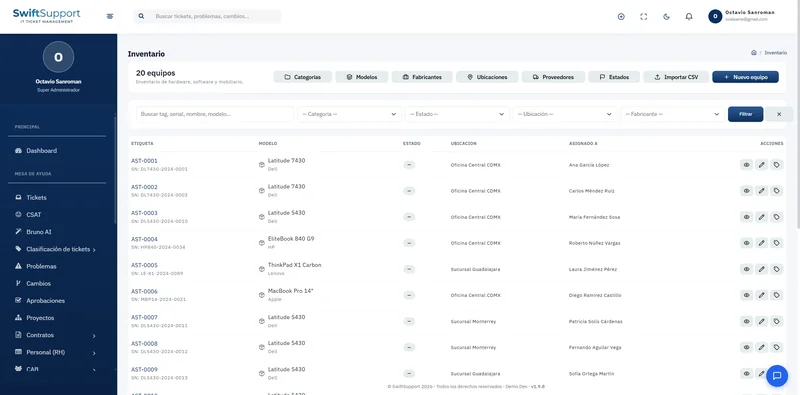

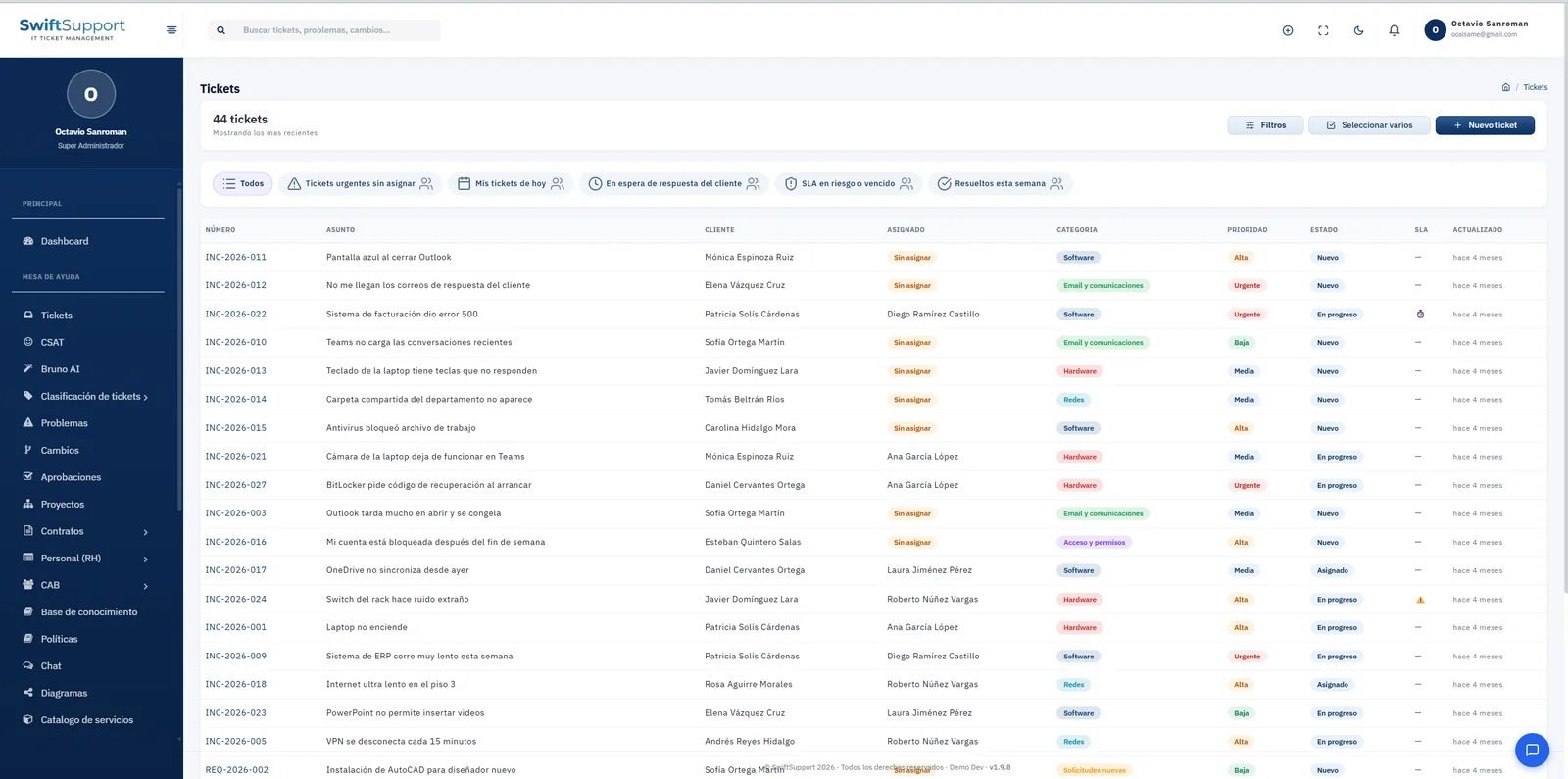
The heart of Swift Support. Every incident and every request lands in a single queue with its own ID, priority, category, owner and SLA clock, so nothing gets lost between emails, phone calls and loose messages.
What it is and how it helps
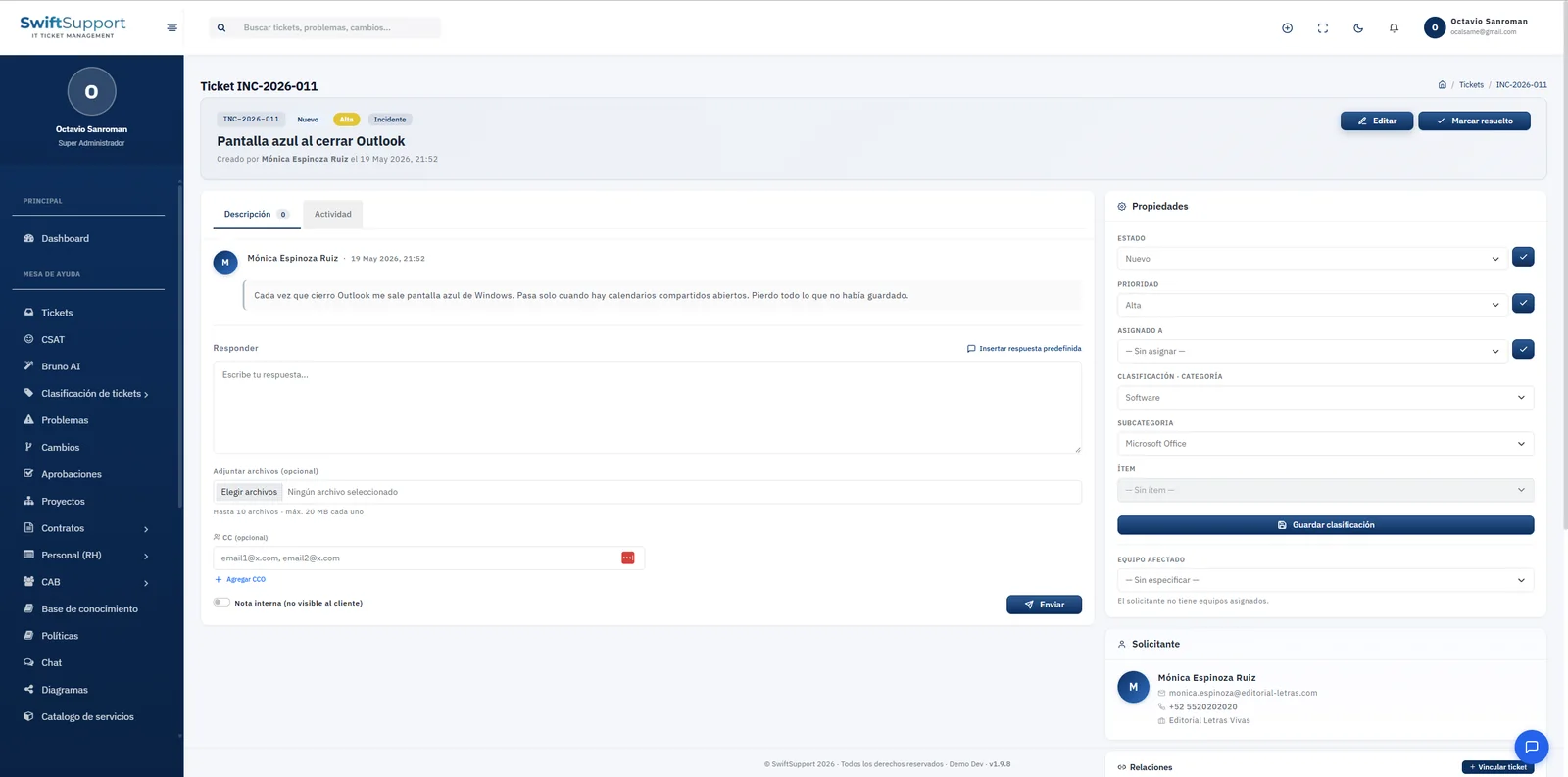
A help desk without a system depends on people’s memory: the email nobody answered, the call written on a sticky note, the to-do left in the chat of someone who went on vacation. Swift Support turns every request into a ticket with its own ID (for example, INC-2026-011 for an incident or REQ-2026-003 for a service request) and takes it from start to finish through a clear status workflow.
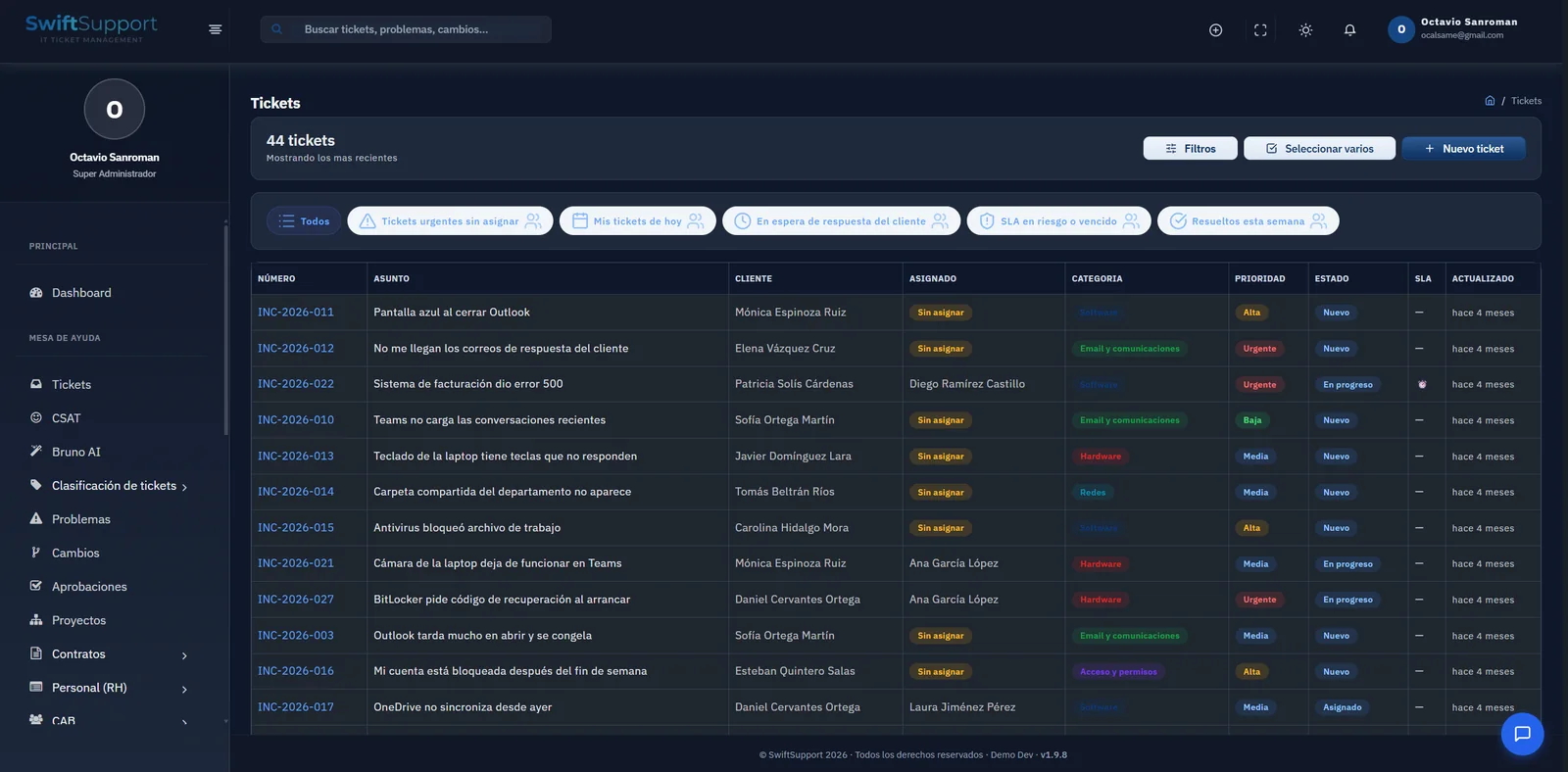
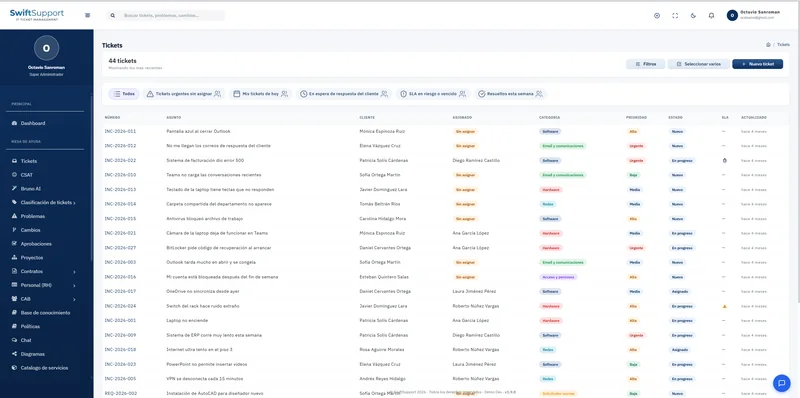
Agents work from a list with columns designed for quick decisions: subject, customer, assigned agent, category, priority, status, SLA indicator and last update. Quick filters answer the everyday questions —which urgent tickets have no owner?, what do I have for today?, what is waiting on the customer?, which SLAs are at risk?— without building a search every time.
The whole conversation lives inside the ticket: the original description, replies to the requester, internal notes the customer never sees, attachments, copies to other recipients and the complete activity history. The properties panel lets you change status, priority, agent, group and classification without leaving the view.
Key capabilities
Operational quick filters
Unassigned urgent tickets, my tickets for today, waiting on customer, SLA at risk or breached and resolved this week, one click away.
Three-level classification
Category, subcategory and item to know exactly what is failing and feed reliable reports (software, hardware, access, email, network…).
Configurable IDs and prefixes
Automatic numbering with prefixes per ticket type and default values you define in Settings.
Internal notes
Comments visible only to the team, ideal for escalating, documenting a diagnosis or asking for help without exposing it to the customer.
Canned responses and CC
Insert reply templates in seconds and add CC recipients to keep the areas involved informed.
Attachments in the conversation
Screenshots, logs or documents stay linked to the ticket and available to any agent with permission.
Email to ticket (IMAP)
Emails arriving at your support mailbox are automatically turned into tickets, with no manual data entry.
Configurable status workflow
Define the statuses of your operation and the transition rules between them so the process is followed.
Bulk actions
Select several tickets and update them at once when you rebalance workloads or close related incidents.
How it works
-
01
Intake from any channel
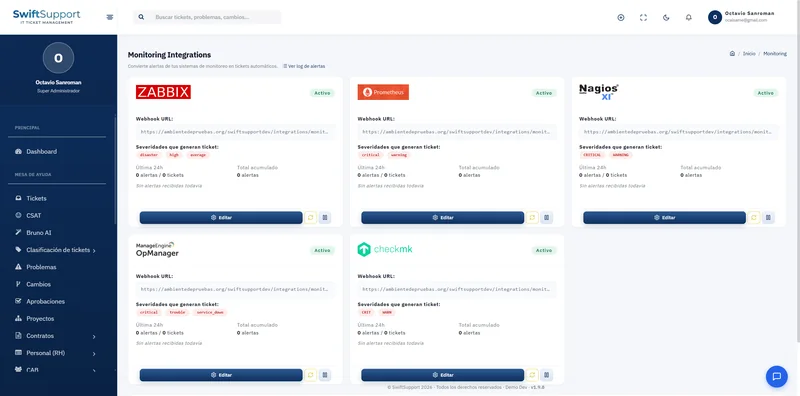
The ticket is created from the self-service portal, the service catalog, an email to the support mailbox, a monitoring alert or by an agent.
-
02
Classification and priority
Type, category, subcategory and item are assigned; the priority and its SLA start running immediately.
-
03
Assignment and handling
Automation rules or a supervisor assign it to an agent or group; the agent replies, documents and escalates with internal notes.
-
04
Resolution and satisfaction
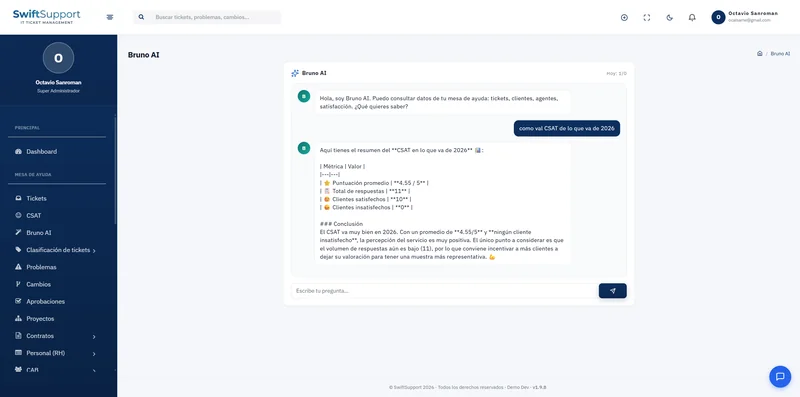
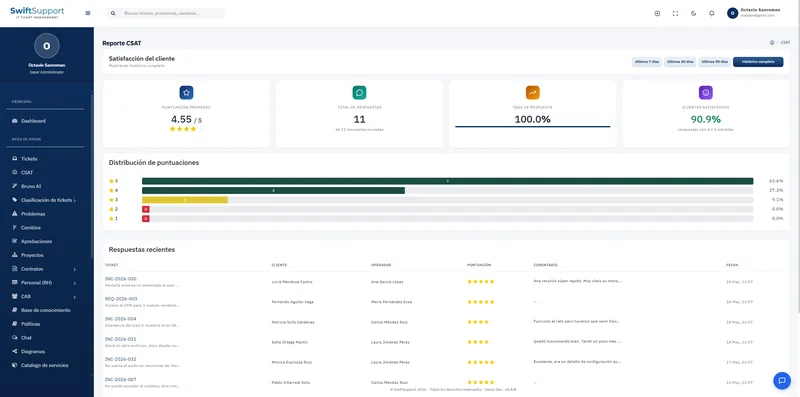
When it is marked as resolved, the solution is recorded and the customer receives the CSAT survey to rate the service.