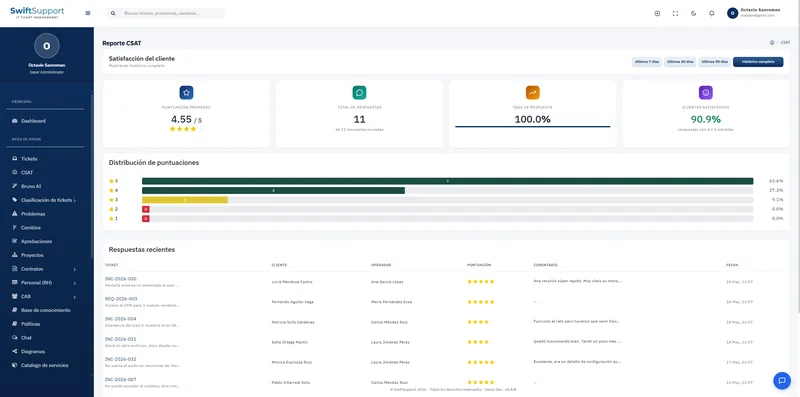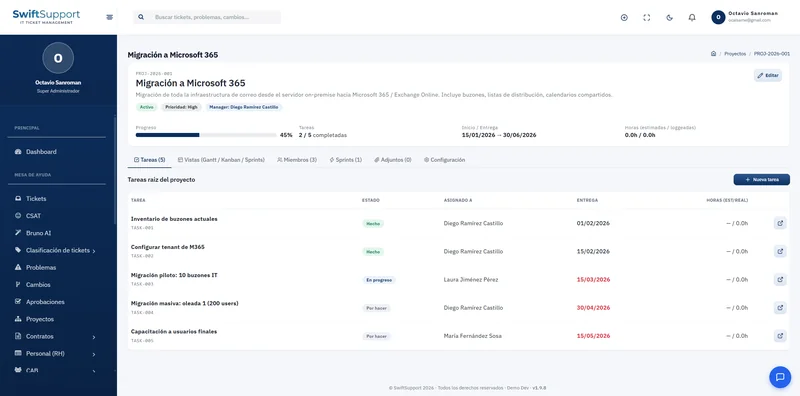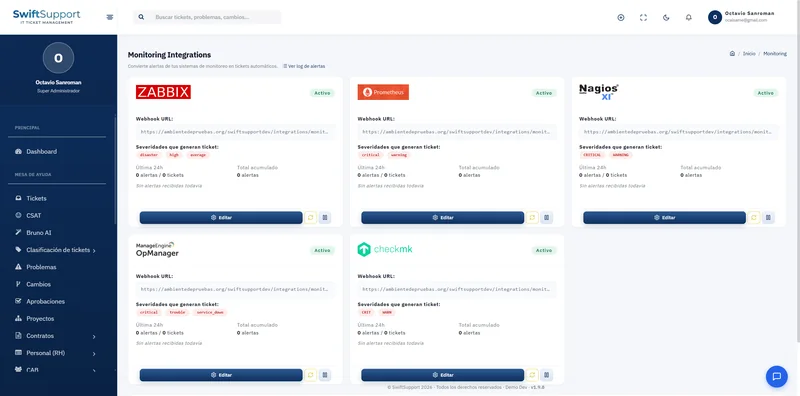

For when the question is very specific. The SQL Runner gives authorized users read-only access to the entire Swift Support database, with an editor designed to work fast and safely.
What it is and how it helps
Reports and Bruno AI cover most questions, but there will always be special analyses: cross-referencing equipment assigned per user, reviewing last month’s maintenance or finding accounts with no activity in 90 days. The SQL Runner is the tool for that kind of query.
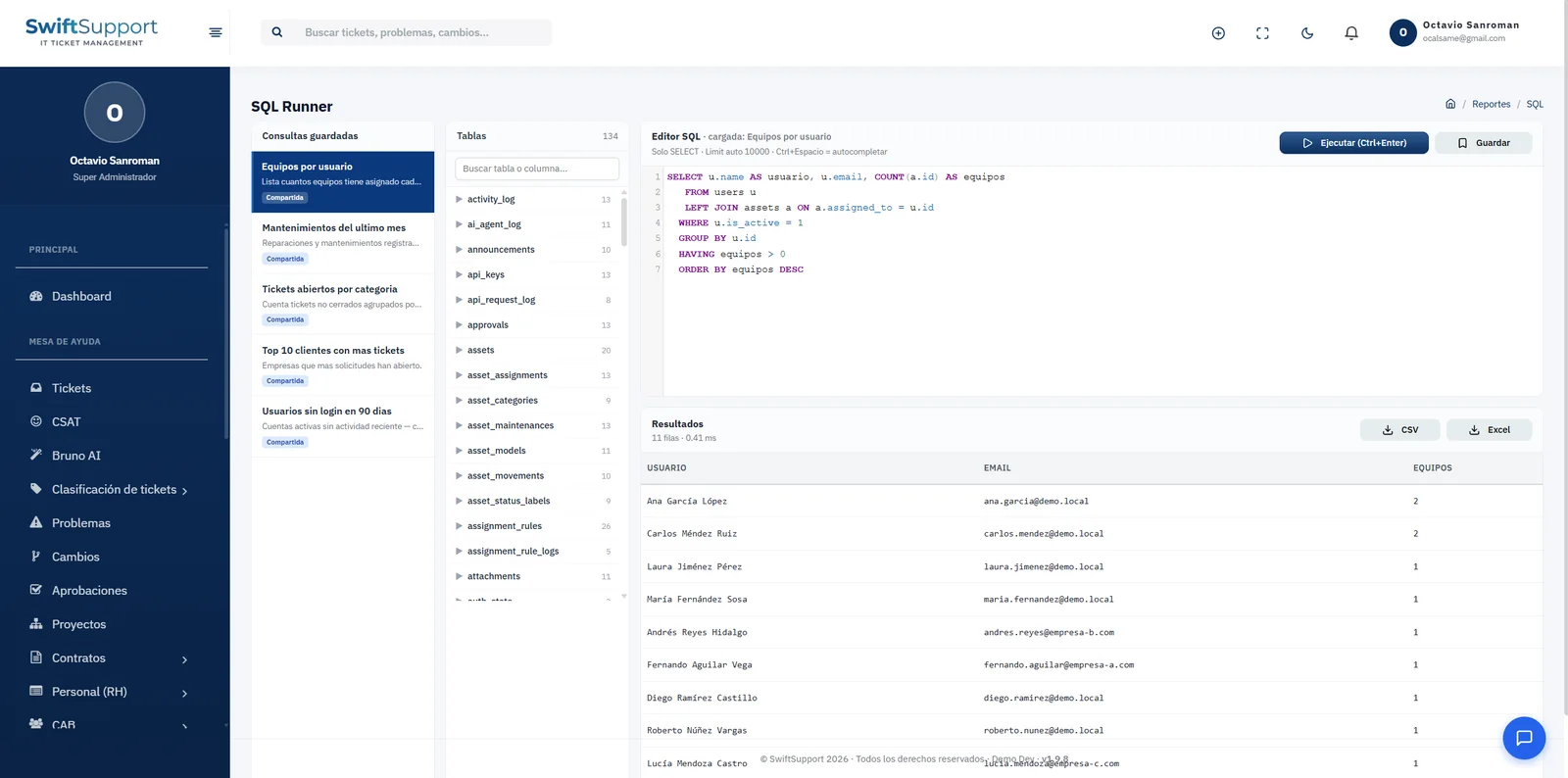
The screen is split into three areas. On the left, saved queries, which can be shared with the team. In the middle, the table explorer: more than a hundred system tables, each with its column count and a search by table or column. On the right, the SQL editor with syntax highlighting and autocomplete (Ctrl + Space), which runs with Ctrl + Enter.
Security comes first: only SELECT statements are allowed and results are limited to 10,000 rows, so nobody can modify information from here. Results show the number of rows and execution time, and export to CSV or Excel in one click. Access is controlled by a specific permission.
Key capabilities
SELECT only
Data cannot be modified: read queries only.
Table explorer
Every system table with its column count and a search box.
Autocomplete
Ctrl + Space suggests tables and columns as you type.
Keyboard shortcuts
Ctrl + Enter to run without leaving the keyboard.
Saved queries
Save your queries and share them with the team.
Export to CSV and Excel
Download results ready for analysis.
Rows and execution time
Each result shows how many rows it returned and how long it took.
10,000-row limit
Protects system performance.
How it works
-
01
Explore the tables
Find the table or column you need in the explorer.
-
02
Write the query
Use autocomplete or start from a saved query.
-
03
Run it
Ctrl + Enter and review the results with their execution time.
-
04
Save and export
Save the query, share it and export to CSV or Excel.