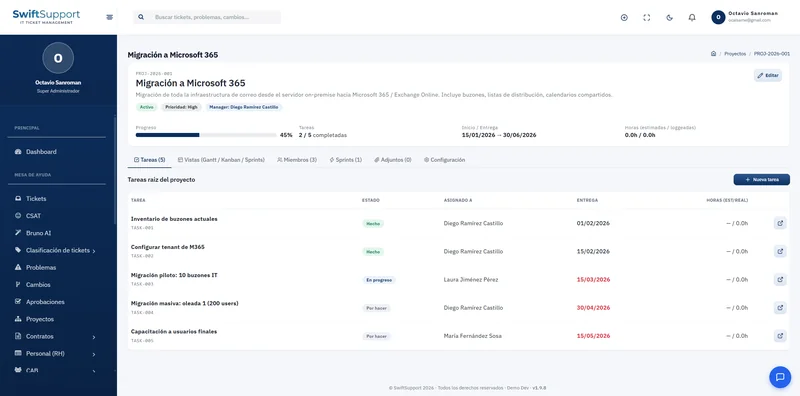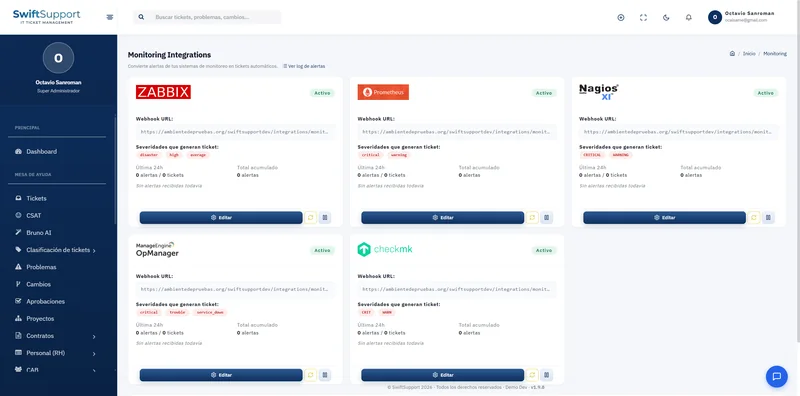
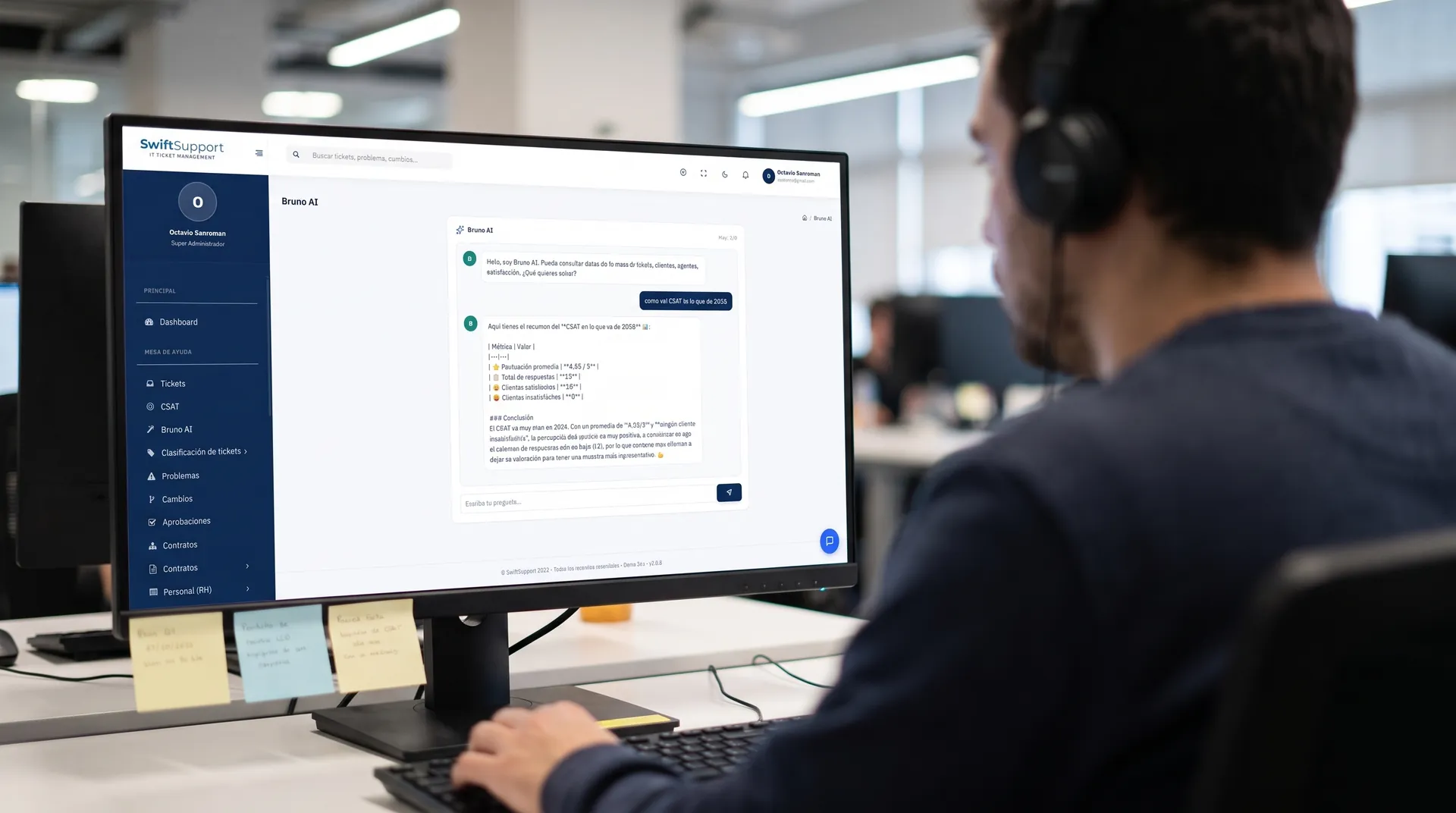
Instant coordination without switching apps. Internal chat lets agents, specialists and supervisors talk from the same platform where they handle tickets.
What it is and how it helps
On a help desk, quick questions never stop: “who has access to that server?”, “can you check this ticket?”, “the change window is done”. When those conversations happen in personal apps, information gets scattered and mixed with topics unrelated to work.
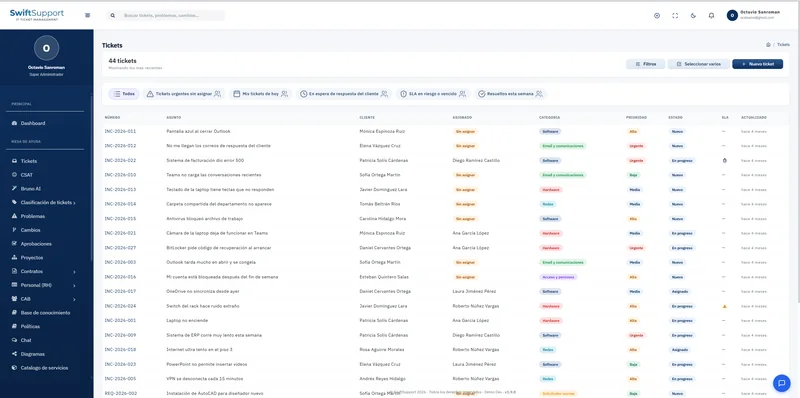
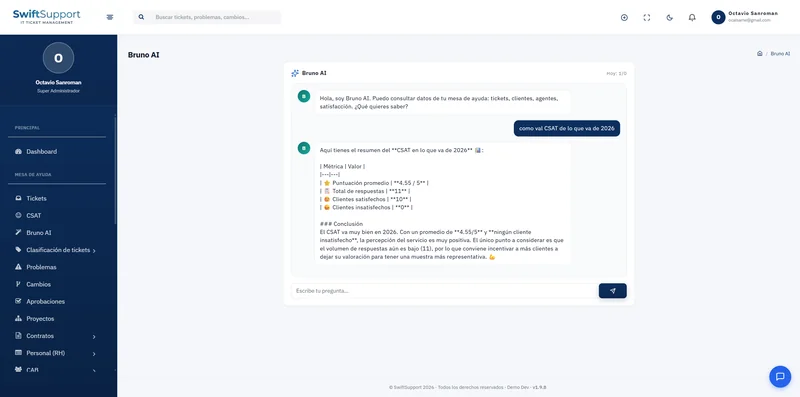
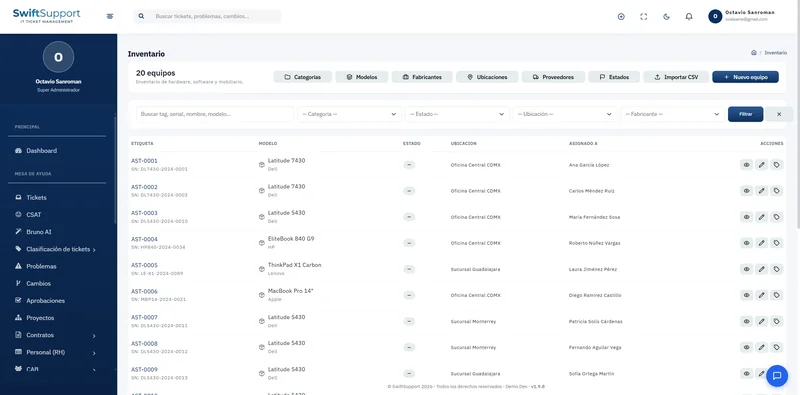
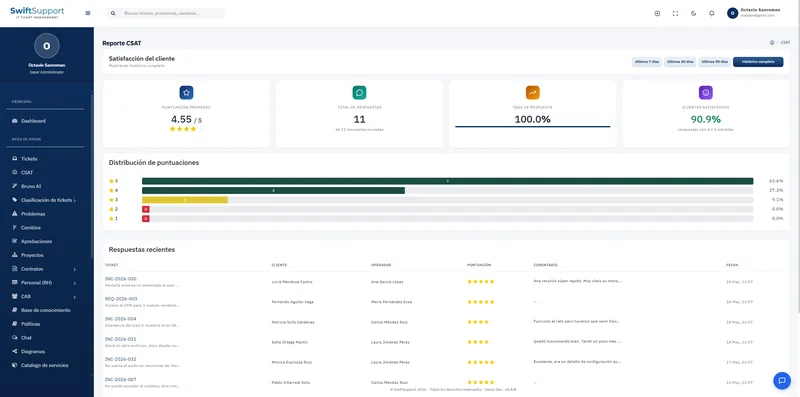
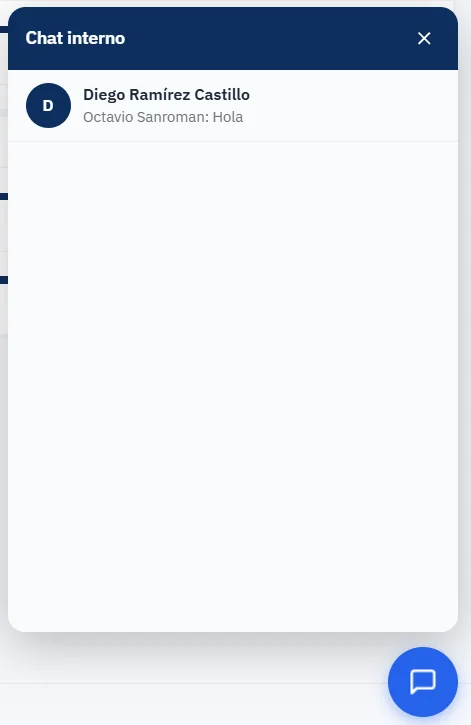
Swift Support’s internal chat lives in a floating button available on every screen of the support area. Opening it shows your conversations with each colleague and the last message exchanged, so you can pick up any topic without losing the context of what you were doing.
By keeping communication inside the platform, your organization keeps control over operational information and reduces its dependence on external tools for the support team’s day-to-day coordination.
Chat does not replace the ticket: important decisions and diagnoses should go into internal notes so they become part of the history. Chat covers the immediate —the quick question, the confirmation, the heads-up that someone already took a case— and the ticket keeps what is permanent.
Key capabilities
Always at hand
A floating button available on every screen of the support area.
Conversations by person
A list of conversations with the last message, to pick up any topic.
Inside your platform
Operational communication does not leak into personal messaging apps.
Instant coordination
Escalate, ask for help or confirm an action without writing an email.
How it works
-
01
Open the chat
From any screen, click the floating messages button.
-
02
Choose your colleague
Select the conversation or start a new one with another team member.
-
03
Coordinate and keep working
Solve the question without leaving the ticket or module you are in.