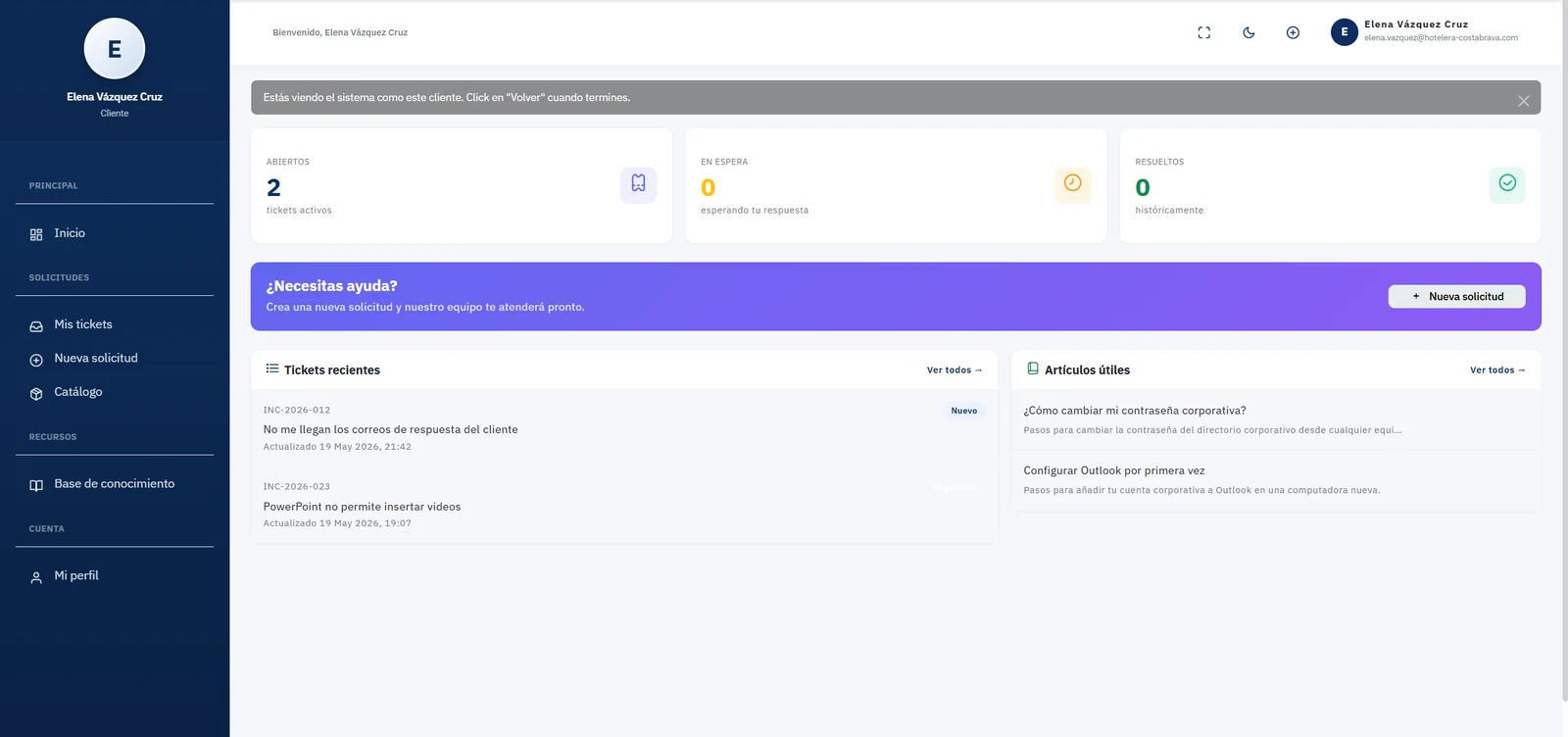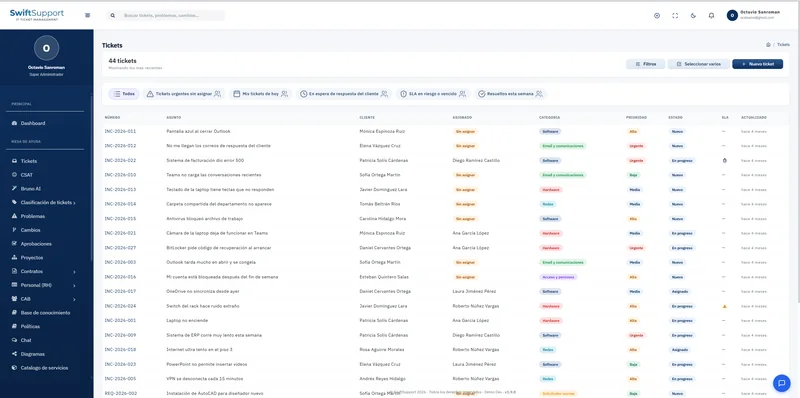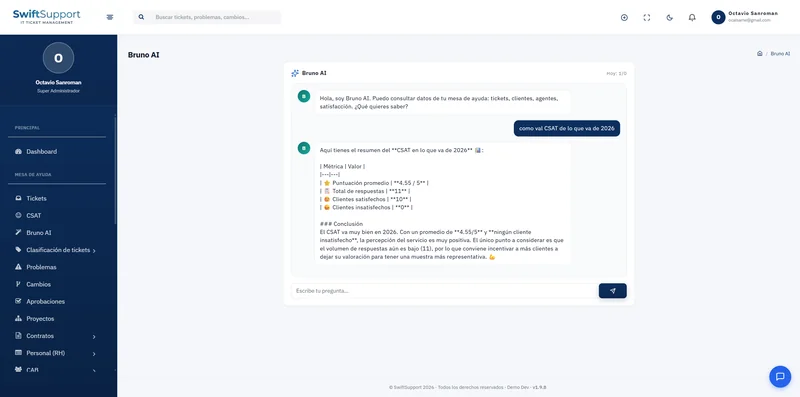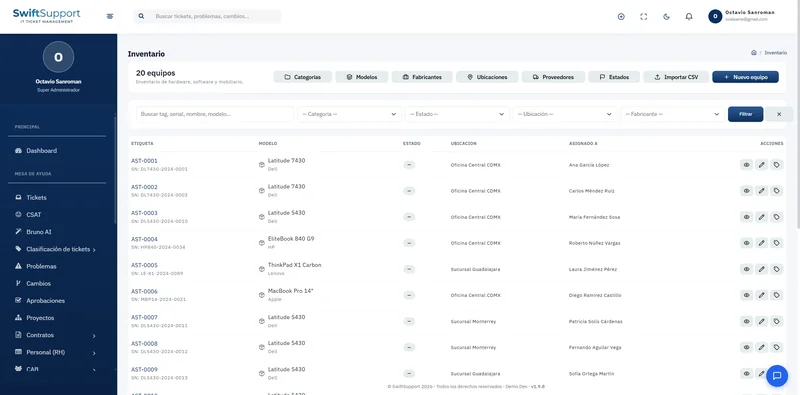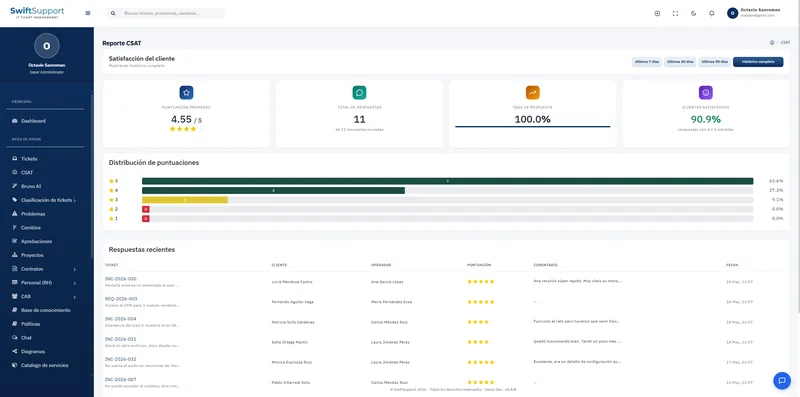

Turn the most common requests into standardized services. Your users choose what they need —a new laptop, access to a system, a software install— and Swift Support creates a ticket with the right category, priority and SLA.
What it is and how it helps
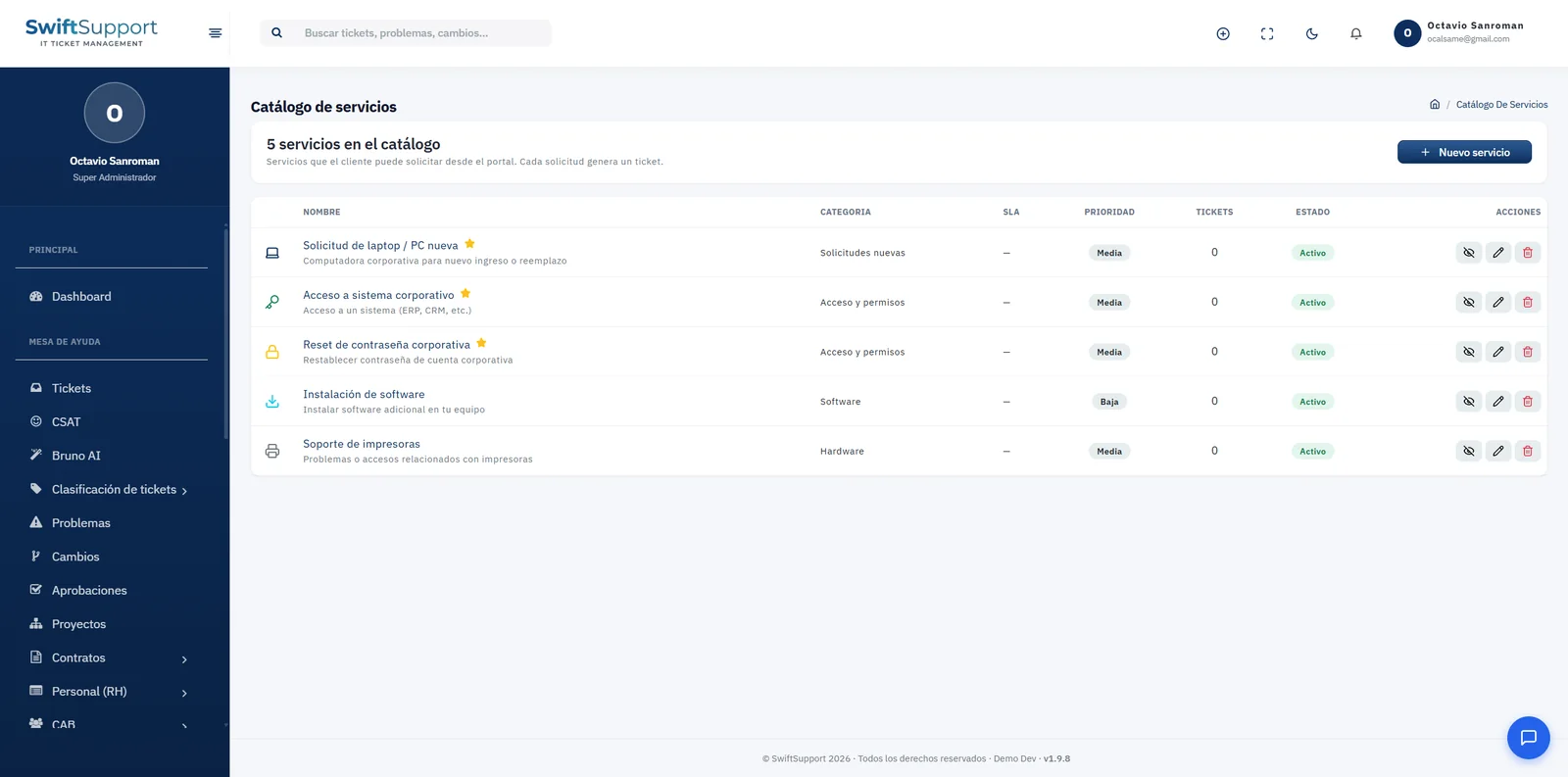
Much of a service desk’s work is not failures but predictable requests: equipment for a new hire, access to the ERP or CRM, a corporate password reset, installing an application or fixing a printer. The service catalog organizes them so they are always requested the same way.
Each catalog service has a name, a user-facing description, a category, an associated SLA, a default priority and a status (active or inactive). You can feature the most requested services so they show up first in the portal, and see how many tickets each one has generated.
Because every request creates a ticket, the service enters the same assignment, SLA and CSAT flow as the rest of the operation. With custom fields you can capture the specific information each service needs, and with approvals you can ask for authorization when the service requires it.
Key capabilities
Standardized services
Name, description, category and priority defined once and applied to every request.
Featured services
Highlight the most requested services so users find them instantly.
SLA per service
Associate each service with the service level that matches its complexity.
Every request is a ticket
It enters the same assignment, tracking and satisfaction flow as the rest of the desk.
Demand per service
See how many tickets each service has generated to plan resources.
Turn on or off
Publish or withdraw services from the portal without losing their history.
Custom forms
Add your own fields to capture the data each service requires.
How it works
-
01
Design the catalog
Identify recurring requests and create one service for each, with its category, priority and SLA.
-
02
Publish it on the portal
Active services appear in the self-service portal; featured ones first.
-
03
The user requests
They choose the service, fill in the details and submit; an automatically classified ticket is created.
-
04
Handle and measure
The ticket follows its normal flow and the catalog shows the accumulated demand for each service.