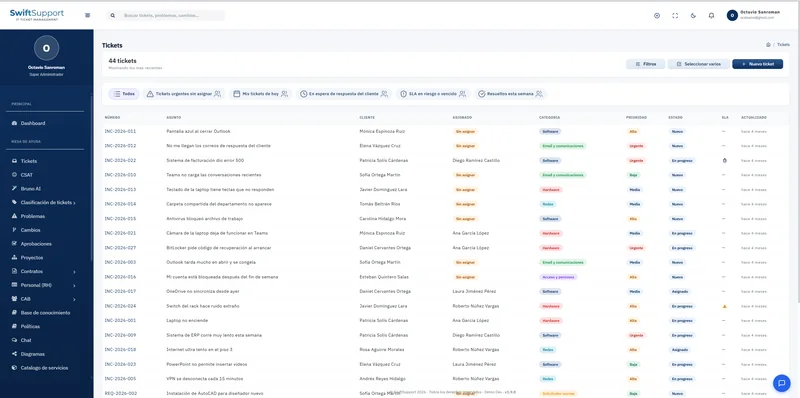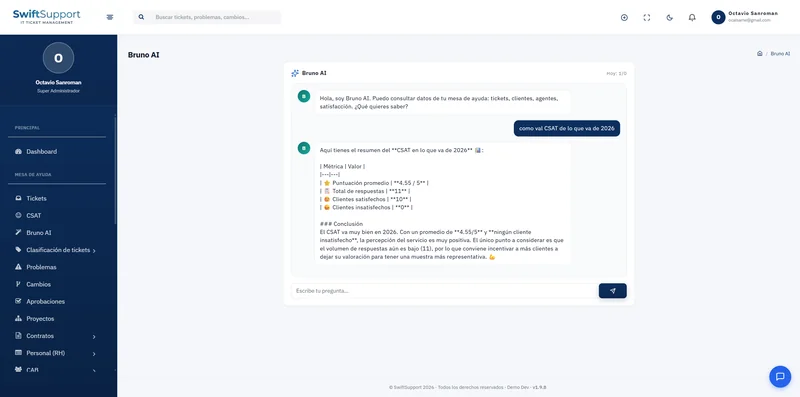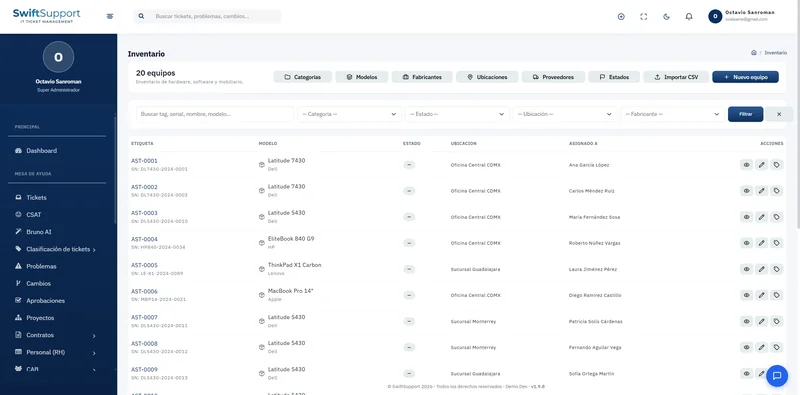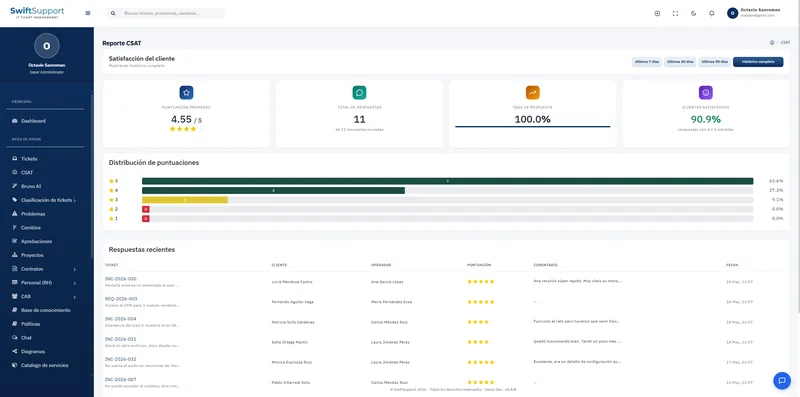

IT migrations, rollouts and refreshes are managed here too. Each project brings together tasks, owners, dates, hours and progress, right next to the rest of your operation.
What it is and how it helps
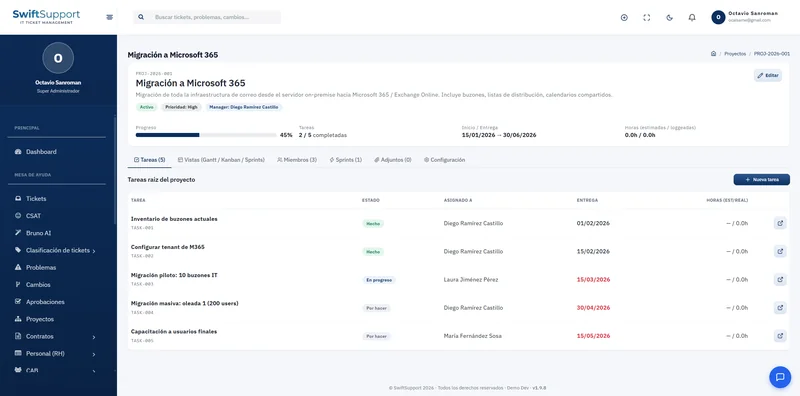
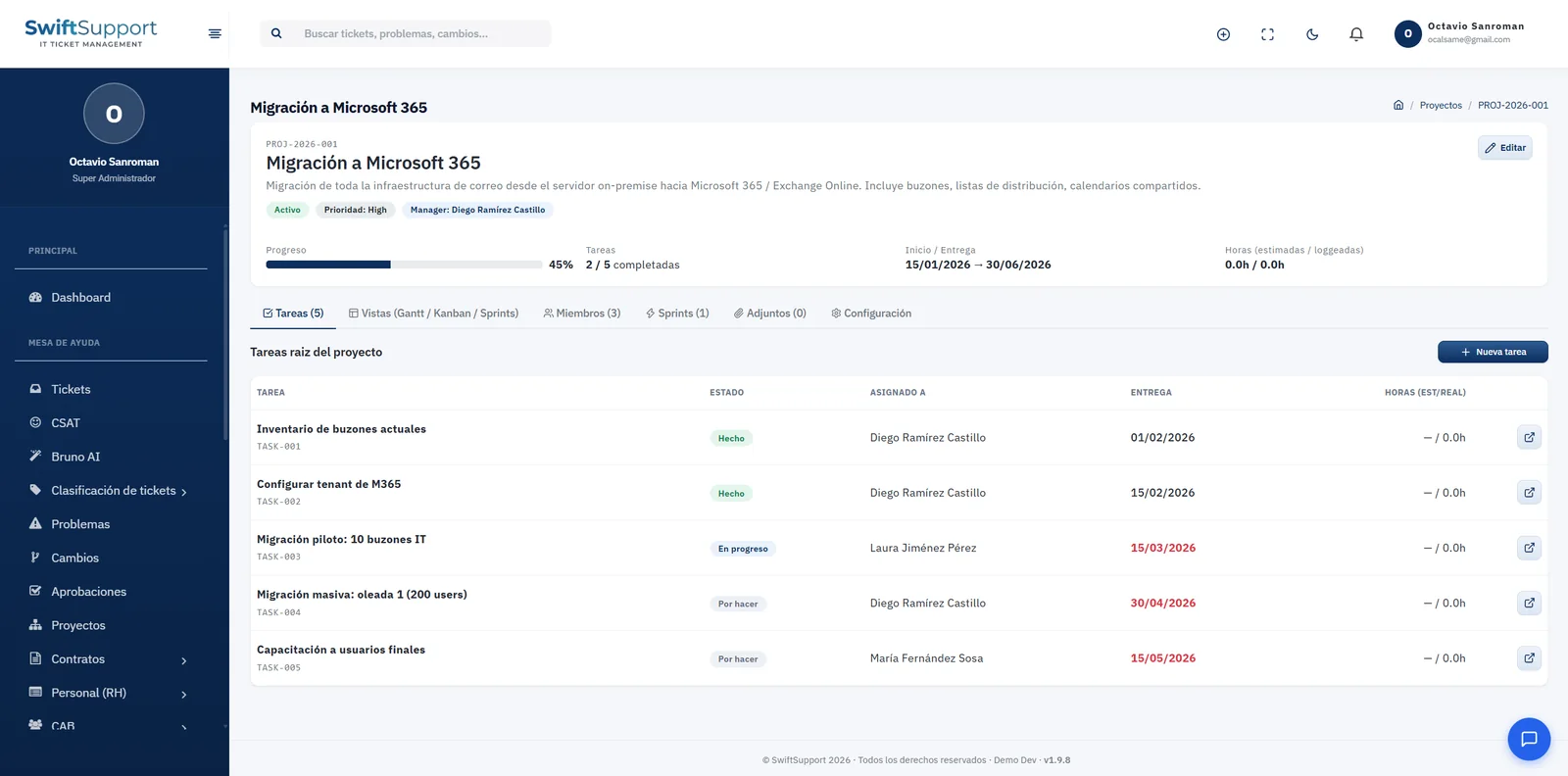
IT teams do more than handle tickets: they migrate email to the cloud, refresh equipment, roll out systems and set up new sites. Managing those projects in a separate tool means duplicating information. In Swift Support, each project has an ID (for example, PROJ-2026-001), description, status, priority, owner, start and due dates, and a progress indicator.
The project header sums up the essentials: progress percentage, completed tasks out of the total, the project period and estimated versus logged hours. Below it, tabs organize the work: tasks, views (Gantt, Kanban and sprints), members, sprints, attachments and settings.
Tasks have an ID, status (to do, in progress, done), owner, due date —highlighted when overdue— and hours. With the Gantt view you plan dependencies over time; with Kanban you follow the daily flow; with sprints you work in iterations.
Key capabilities
Real-time progress
Progress percentage and completed tasks always in view.
Gantt view
Plan tasks over time and see the project schedule.
Kanban view
Follow the workflow through status columns.
Sprints
Organize work into iterations with clear goals.
Members
Define who takes part in each project.
Estimated and logged hours
Compare planned versus actual effort.
Attachments
Project documentation in one place.
Overdue deliverables highlighted
Overdue dates stand out so you can act in time.
How it works
-
01
Create the project
Define the goal, owner, priority and period.
-
02
Plan the tasks
Break down the work and assign owners, dates and estimated hours.
-
03
Execute and log
Move forward in Kanban or by sprints and log the hours spent.
-
04
Control and close
Review progress, hours and deliverables until the project is complete.