
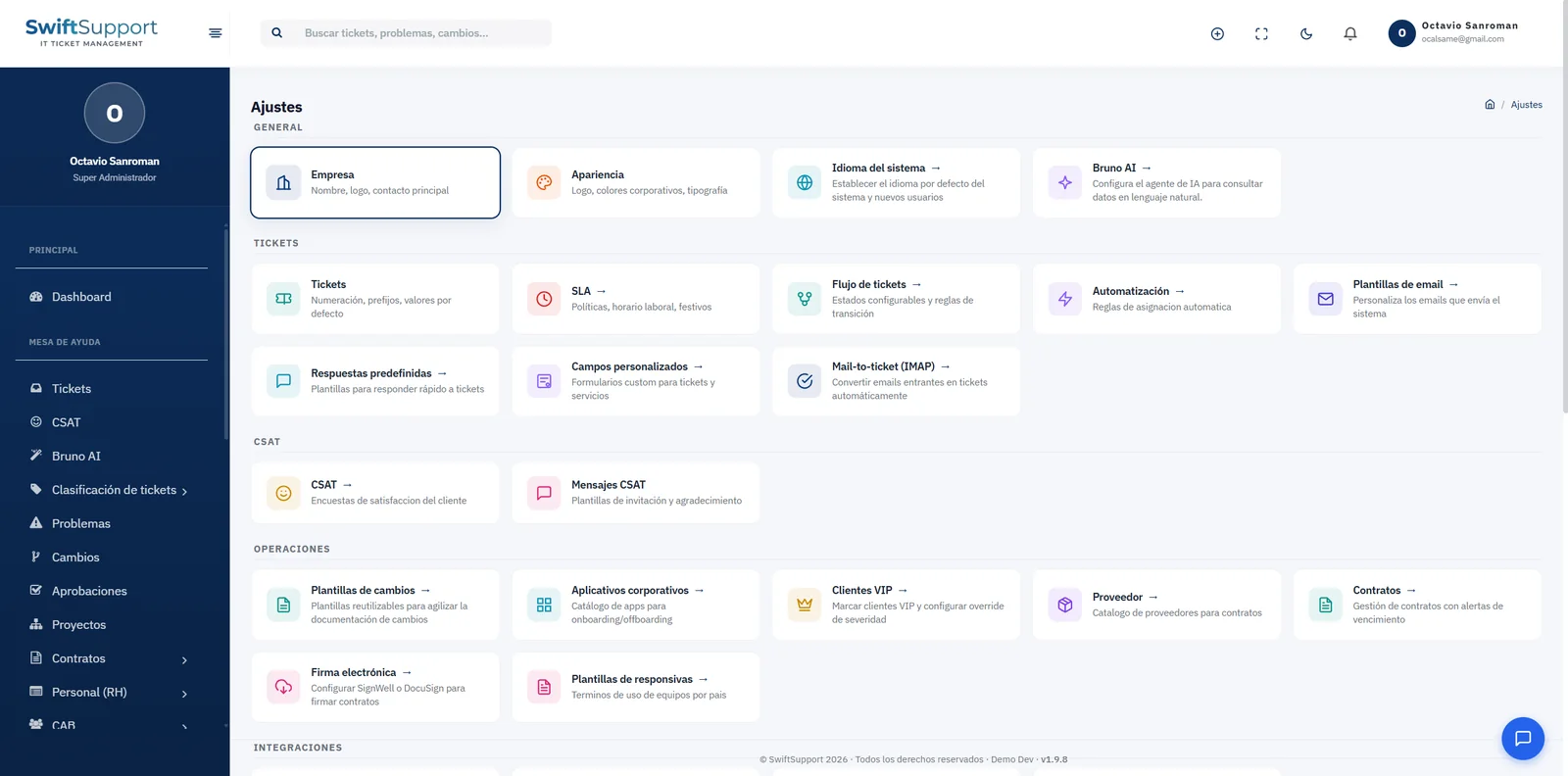
Measurable service commitments and a help desk that organizes itself. Swift Support calculates every ticket’s times against your real schedule and distributes work with rules, without depending on someone assigning tickets by hand.
What it is and how it helps
An SLA is only useful if it is measured fairly. That is why Swift Support policies take your team’s business hours and holidays into account: a ticket that arrives on Friday at 7:00 p.m. should not “breach” over the weekend if your support does not operate on those days. Each policy defines target times by priority and the system keeps the clock for you.
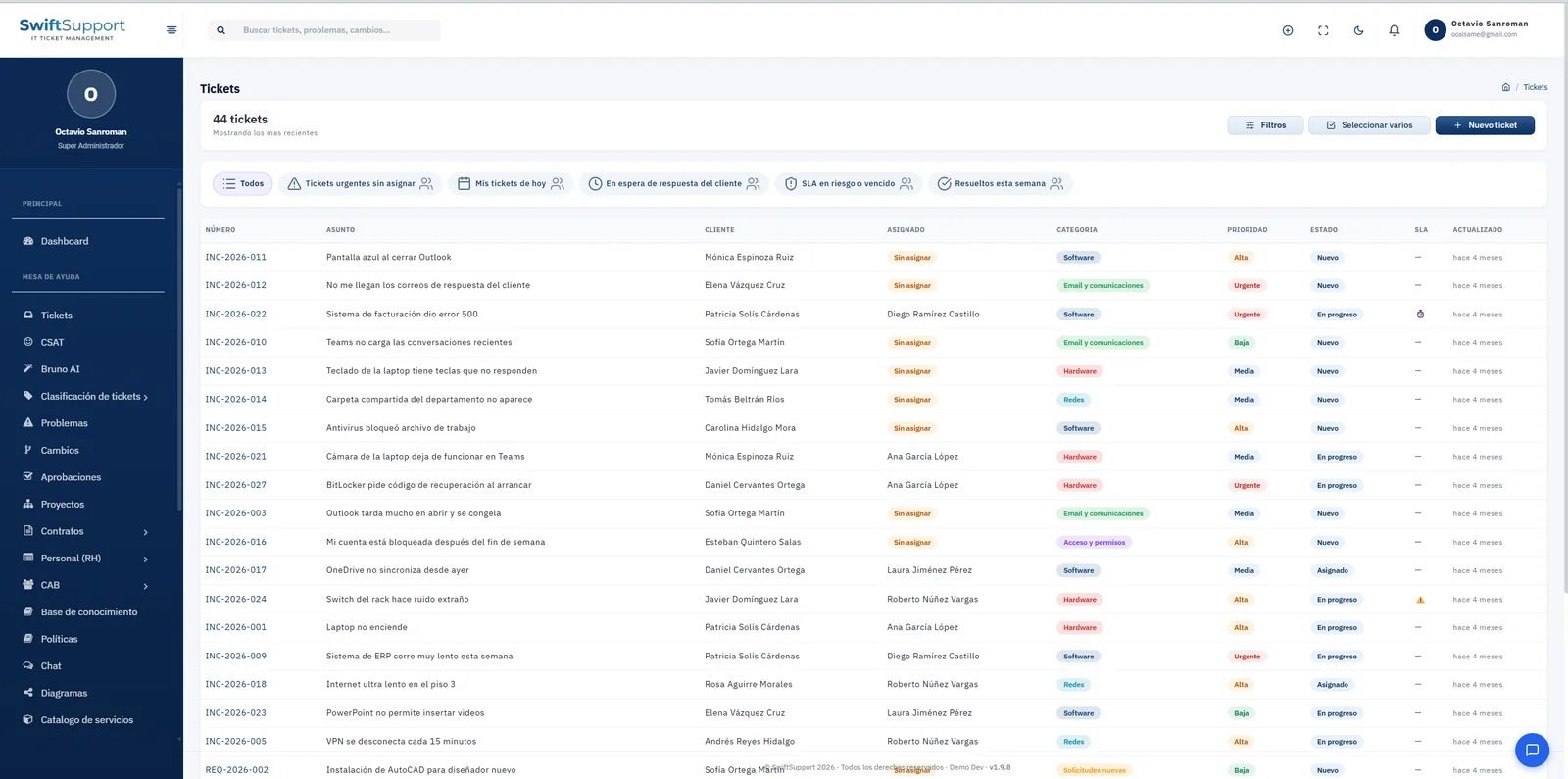
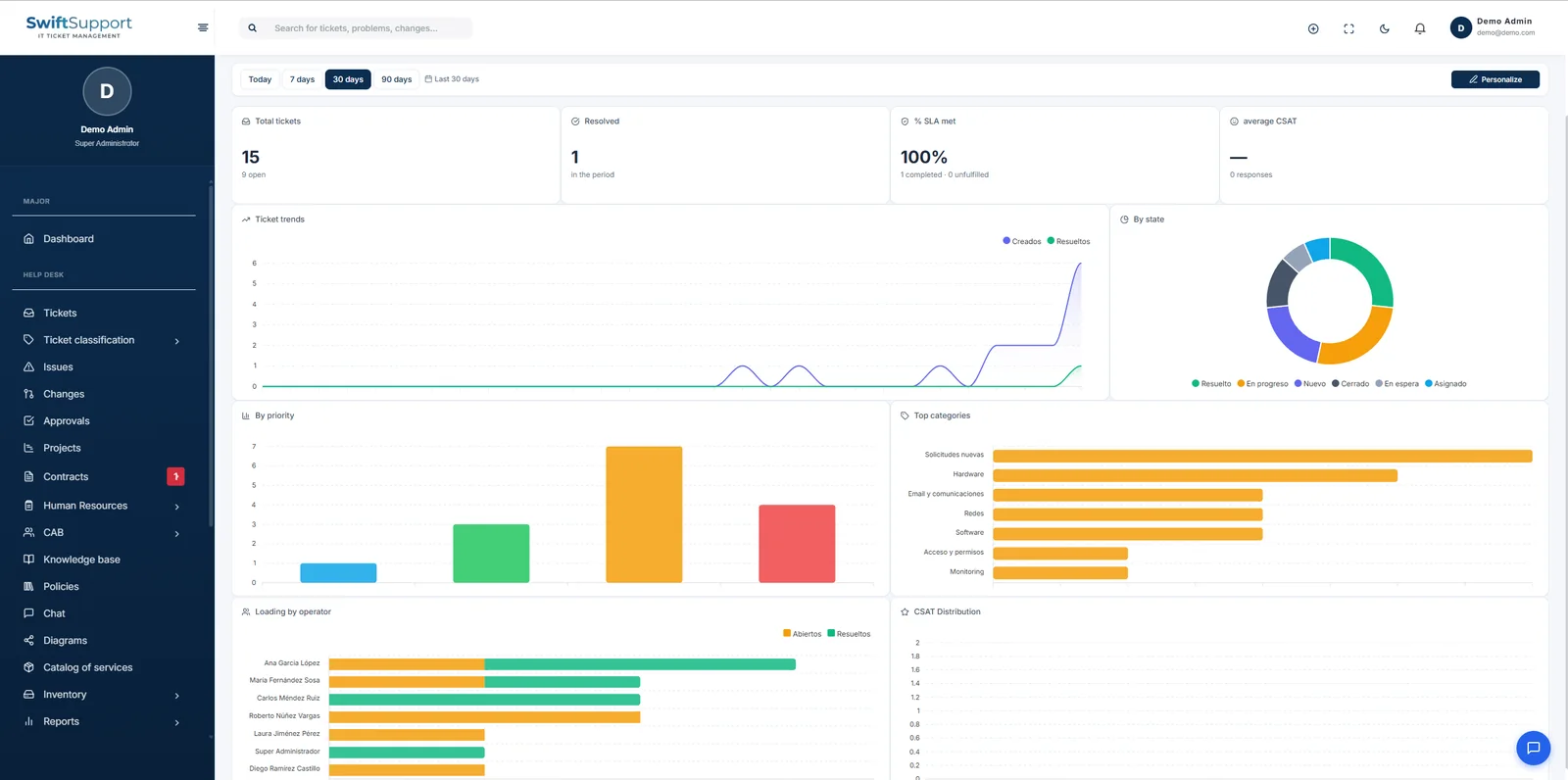
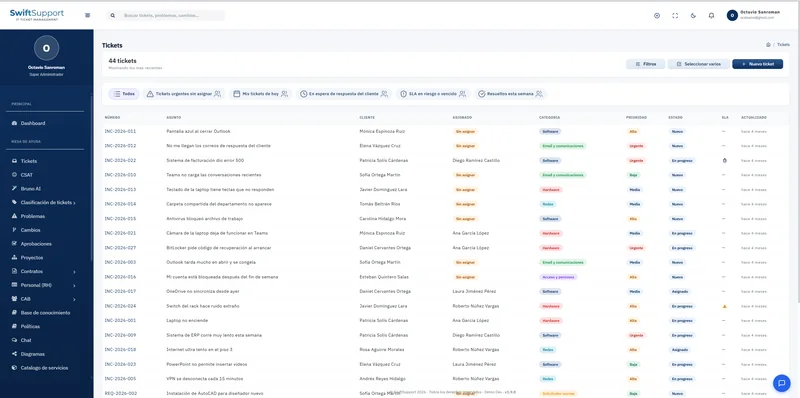
The SLA indicator appears right in the ticket list, and there is a dedicated filter for tickets at risk or breached. Supervisors can step in before a breach happens, and the SLA compliance percentage on the dashboard reflects the real performance of the period.
Automation complements the SLA: assignment rules send each ticket to the right group or agent based on its classification, and round-robin distribution spreads the workload evenly among the members of a group. Agent groups can be organized in hierarchical tiers to escalate from first to second level in an orderly way.
Key capabilities
Business hours and holidays
SLA times are calculated on your real operating calendar, not on calendar hours.
Policies by priority
Set different target times for low, medium, high and urgent priority.
SLA at risk or breached
A dedicated filter and a visible indicator in the list let you act before a breach.
Automatic assignment rules
Assign tickets by category, type or other conditions to the right group or agent.
Round-robin by group
Distribute tickets evenly among the members of an agent group.
Tiered groups
Organize agents in hierarchical groups (first level, specialists, vendors) to escalate in order.
VIP customers
Flag VIP customers and have their tickets automatically raise their severity.
Email templates
Customize the emails the system sends for each event to keep your tone and brand.
How it works
-
01
Set up your calendar
Enter your team’s business hours and the holidays that apply to your operation.
-
02
Define the policies
Set target times by priority and assign them to the relevant ticket types.
-
03
Create the rules
Specify which group or agent each classification should go to and enable round-robin where you need it.
-
04
Measure and adjust
Review SLA compliance on the dashboard and in reports; fine-tune policies and rules with real data.