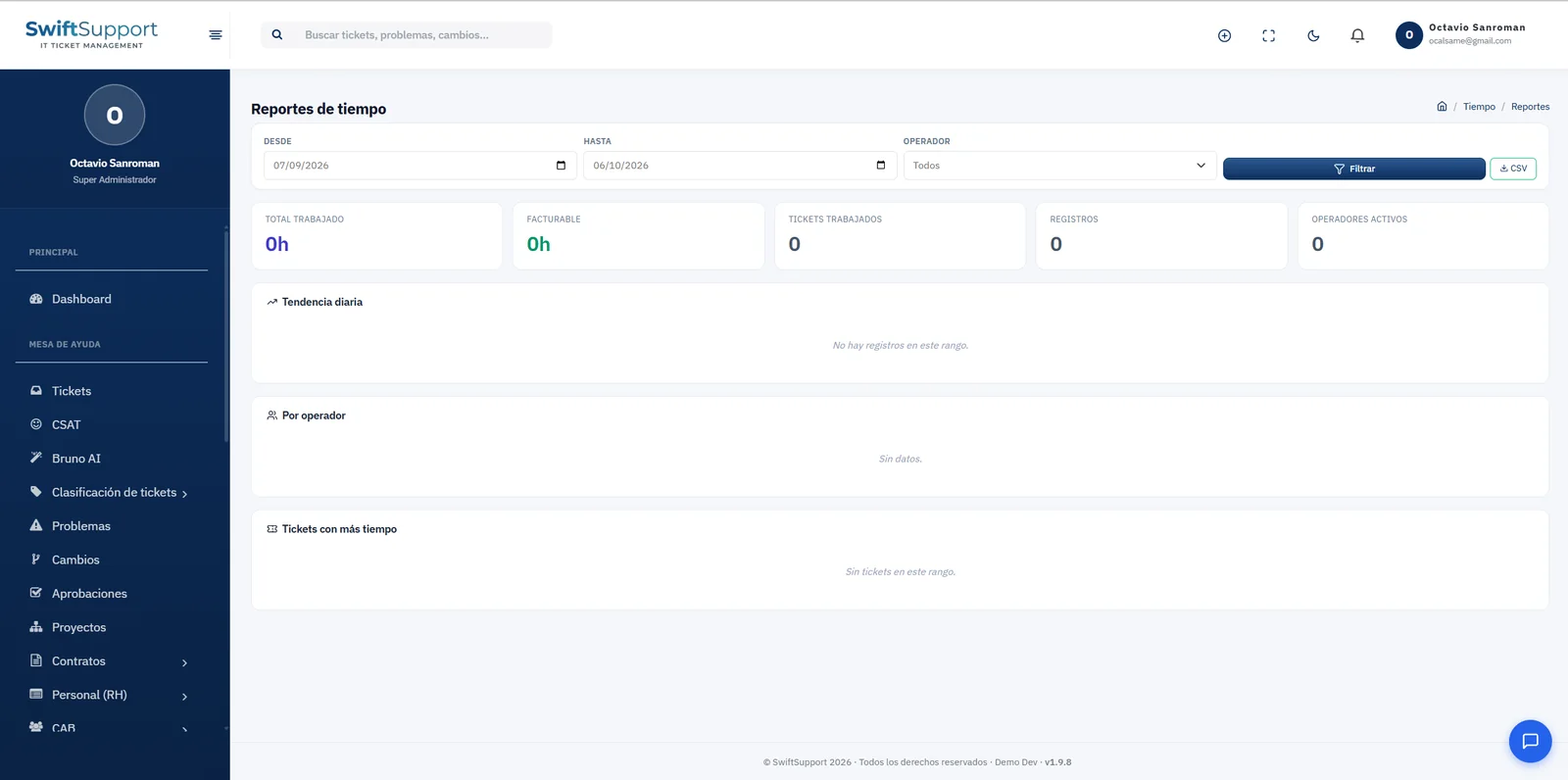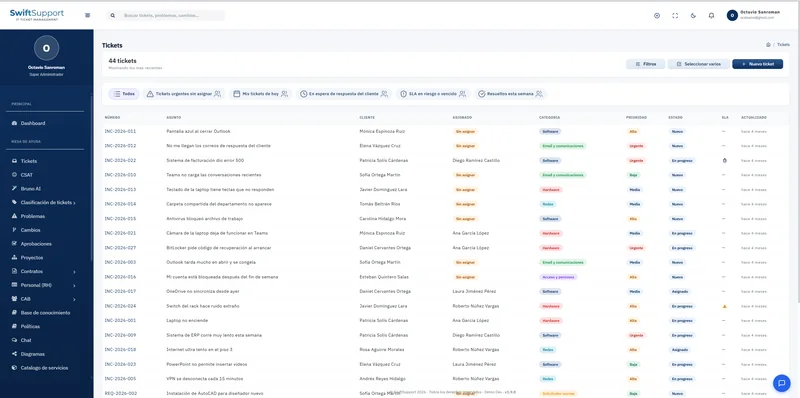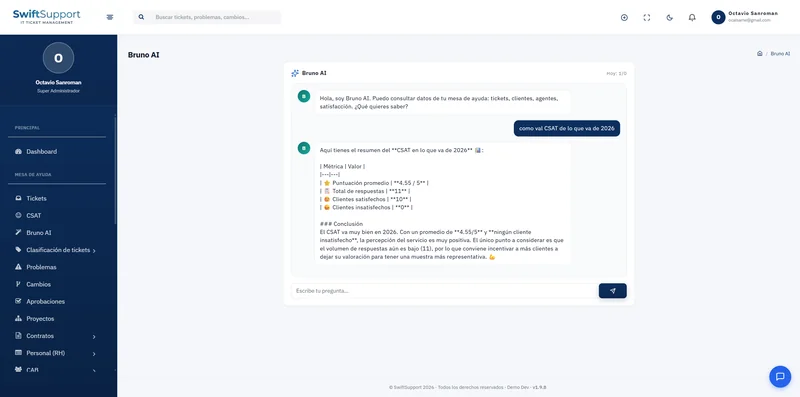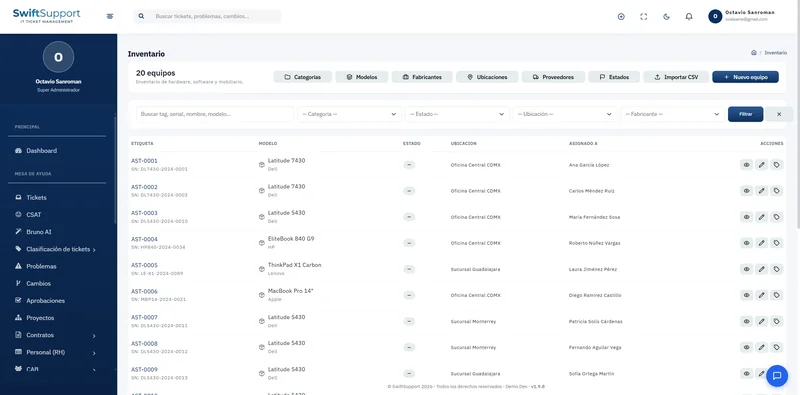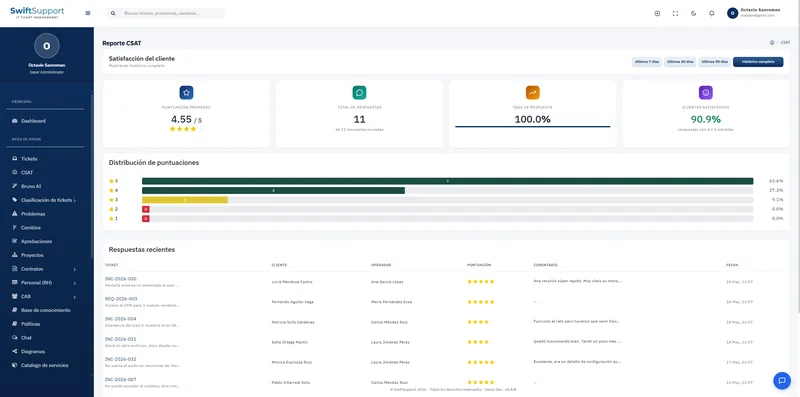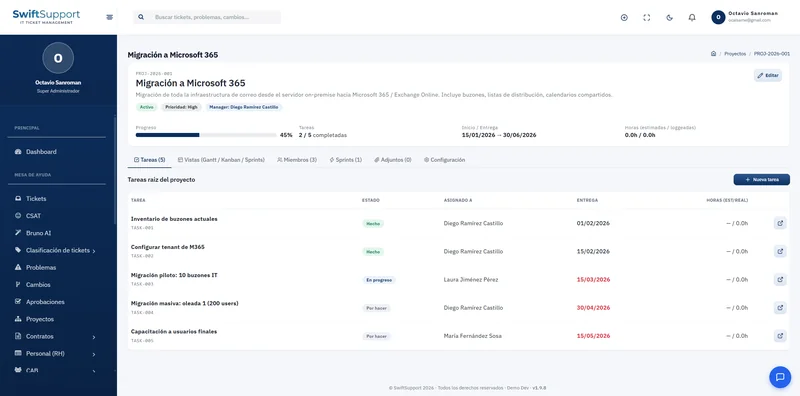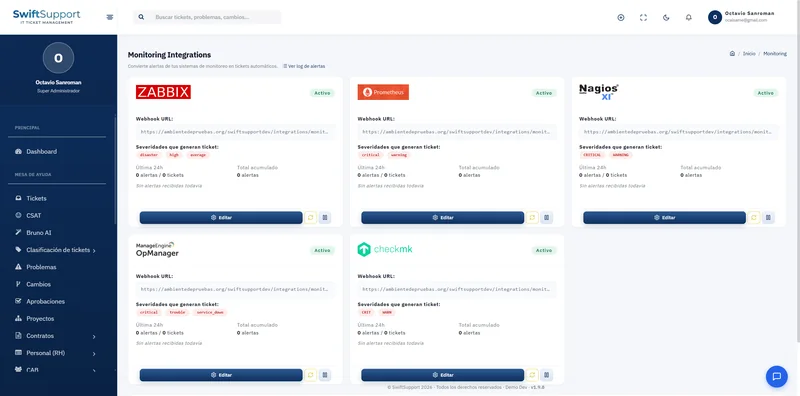
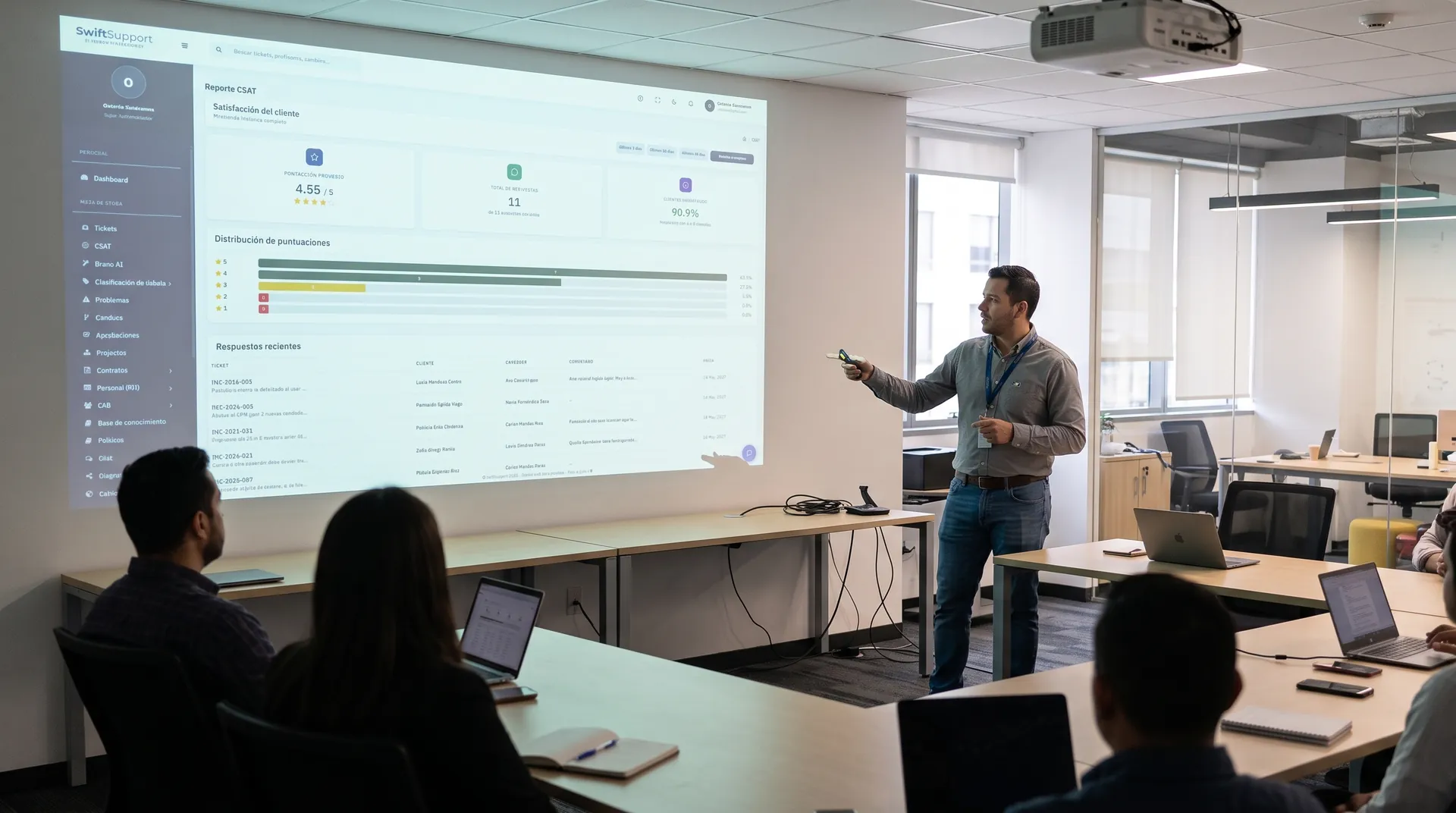
From question to report in one click. Swift Support includes ready-made templates for the most frequent queries, lets you save your own reports and measures the time your team spends working.
What it is and how it helps
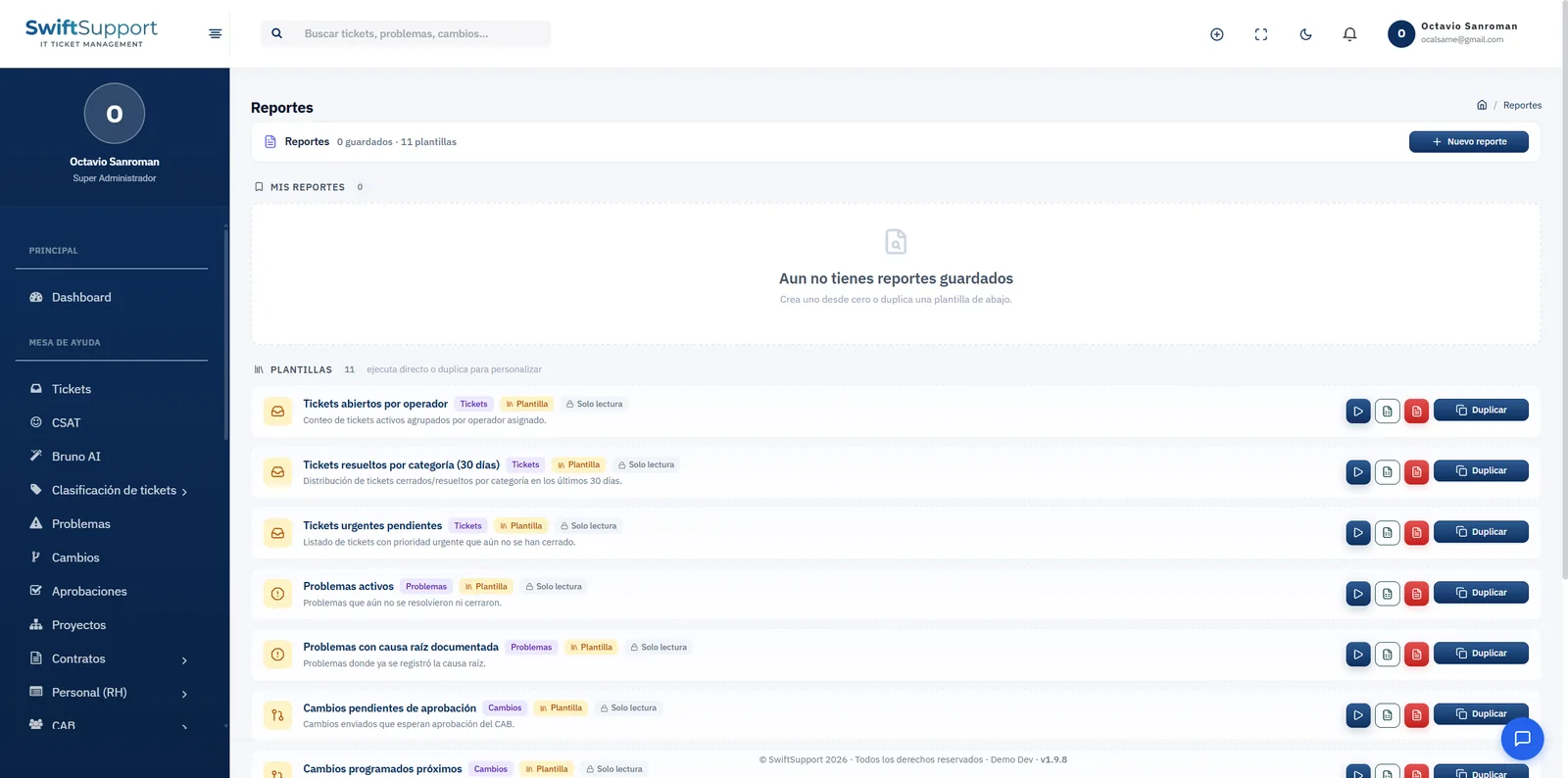
The report library includes read-only templates that run instantly: open tickets per agent, tickets resolved by category in the last 30 days, pending urgent tickets, active problems, problems with a documented root cause, changes pending approval, upcoming scheduled changes and more.
Each template can be run, exported or duplicated. When you duplicate it you get your own copy under “My reports” that you can adjust to your needs; you can also create new reports from scratch. That way each team builds its own library without modifying the original templates.
Time reports complete the picture: filtering by date range and agent, they show total hours worked, billable hours, tickets worked, number of entries and active agents, along with the daily trend, the breakdown per agent and the tickets that took the most time. All exportable to CSV.
Key capabilities
Ready-made templates
Ticket, problem and change reports ready to run.
Duplicate and customize
Create your own version of any template without altering the original.
My reports
Save and organize the reports you use often.
Export
Download the results to share or analyze them.
Time reports
Hours worked and billable hours per agent and period.
Daily trend
How time spent evolves day by day.
Most time-consuming tickets
Identify the cases that take the most effort.
CSV
Export time reports to CSV.
How it works
-
01
Choose a template
Select the report that answers your question.
-
02
Run it
Get the results instantly.
-
03
Customize
Duplicate the template and adjust it, or create a new report.
-
04
Share
Export the results and bring them to your meeting or your customer.