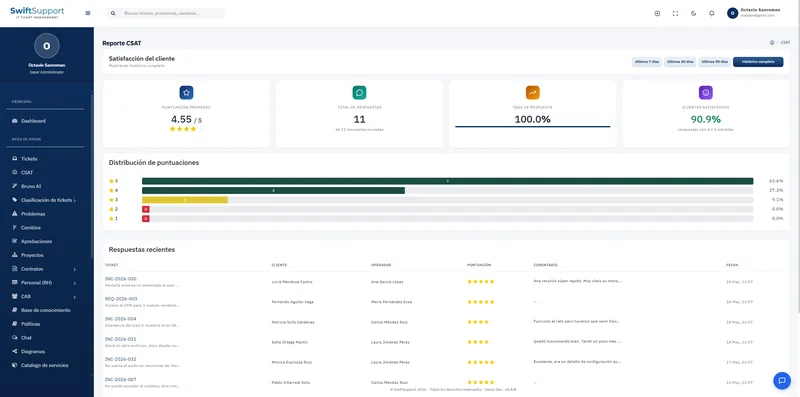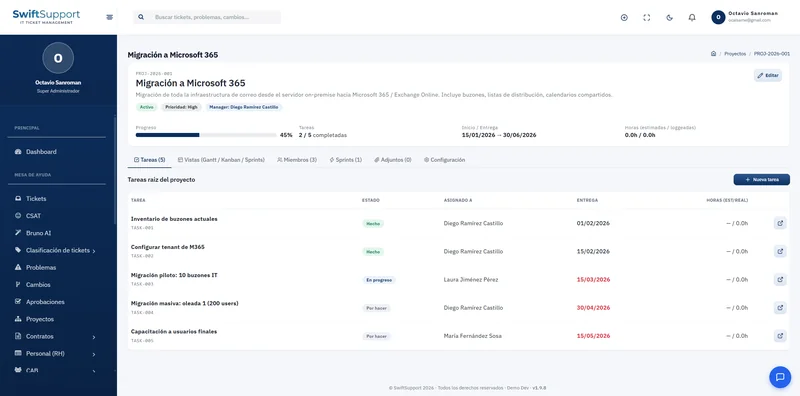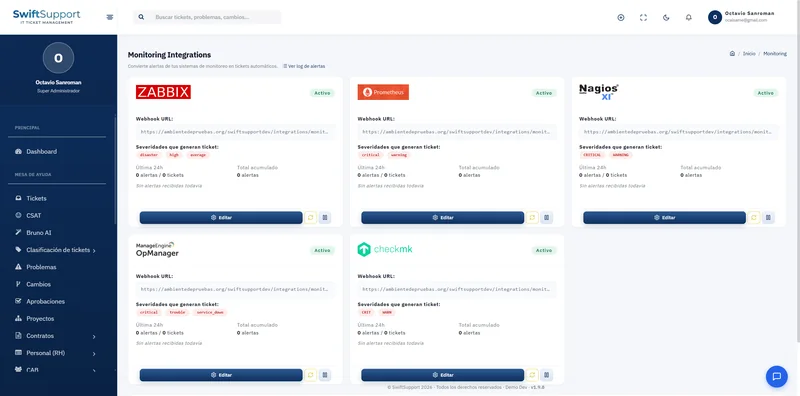

Everyone sees and does exactly what they should. Swift Support controls access with roles and granular permissions, grouped by module and applied instantly.
What it is and how it helps
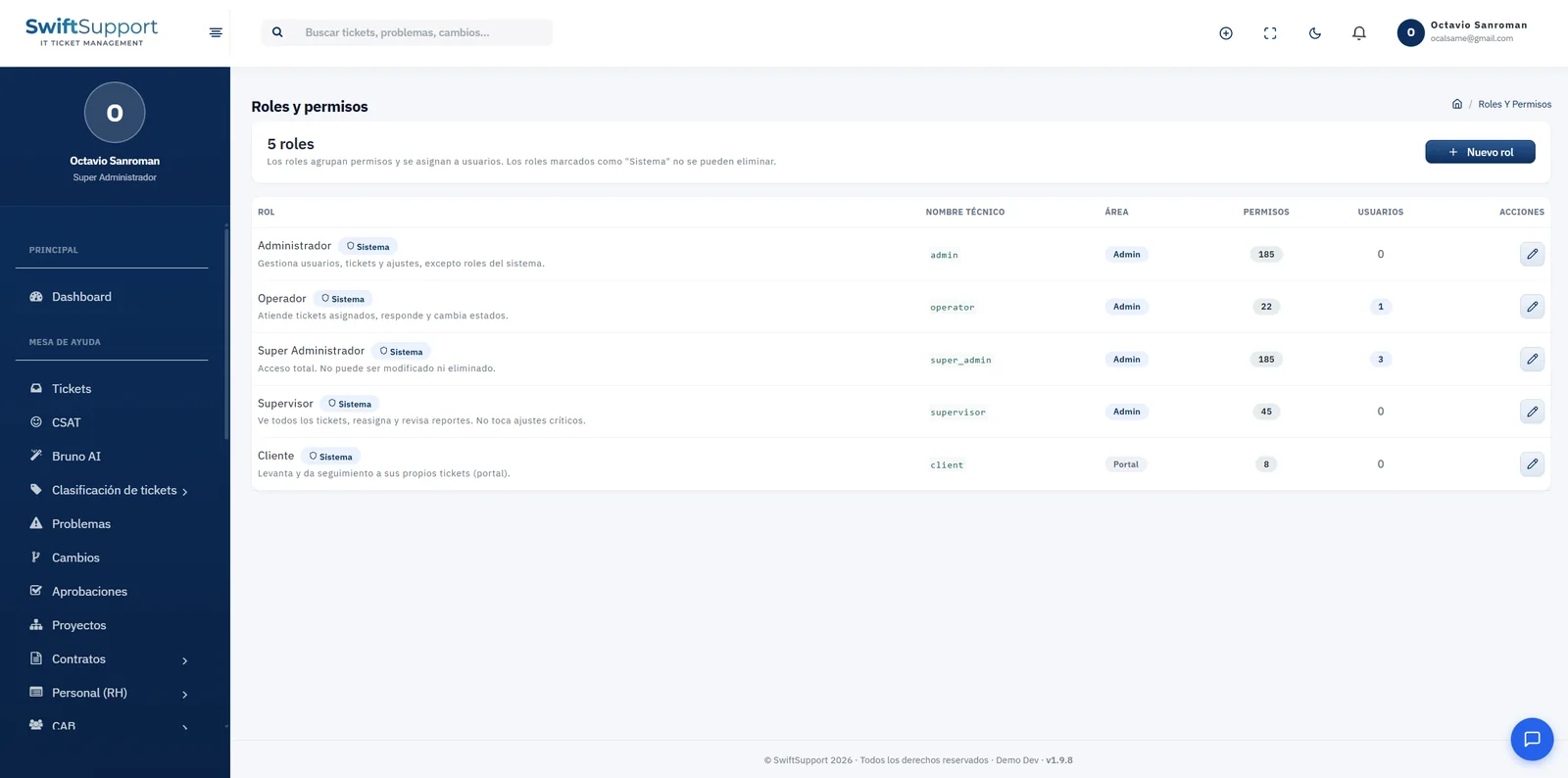
The system includes ready-to-use system roles: Super Administrator, with full access; Administrator, who manages users, tickets and settings; Supervisor, who sees all tickets, reassigns and reviews reports; Agent, who handles assigned tickets; and Customer, who raises and follows up on their own tickets in the portal.
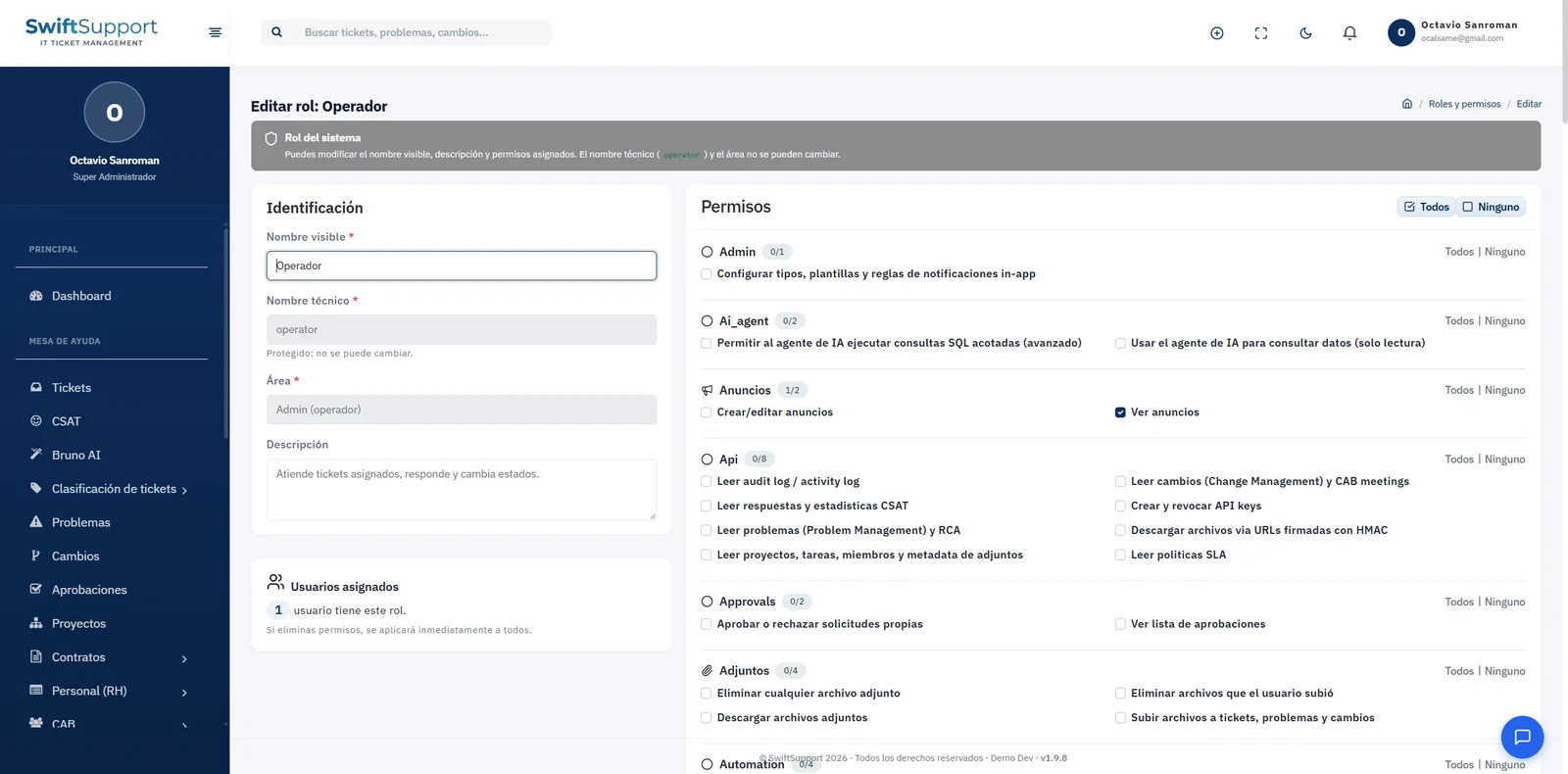
You can also create custom roles to reflect your organization’s structure. Each role has a display name, technical name, area (administration or portal), description, number of assigned permissions and the users who hold it.
Permissions are organized in groups —administration, AI agent, announcements, API, approvals, attachments, automation and many more— with individual checkboxes and shortcuts to select all or none per group. Some permissions are very specific, such as using the AI agent, allowing it to run bounded SQL queries, creating and revoking API keys or downloading files through signed URLs. Changes apply immediately to every user with the role.
Key capabilities
System roles
Super Administrator, Administrator, Supervisor, Agent and Customer, ready to use.
Custom roles
Create roles tailored to your organizational structure.
Granular permissions
More than 180 individual permissions grouped by module and action.
All or none
Per-group shortcuts to configure roles in seconds.
Instant effect
When you save, changes apply to every user with the role.
Protected roles
System roles cannot be deleted and their technical name is fixed.
Separate areas
The administration area and the customer portal are separated by role.
How it works
-
01
Review the system roles
Start from the five included roles.
-
02
Create or adjust roles
Define your own roles and tick their permissions by group.
-
03
Assign users
Each user gets the role that matches their job.
-
04
Audit
The activity log records each user’s relevant actions.