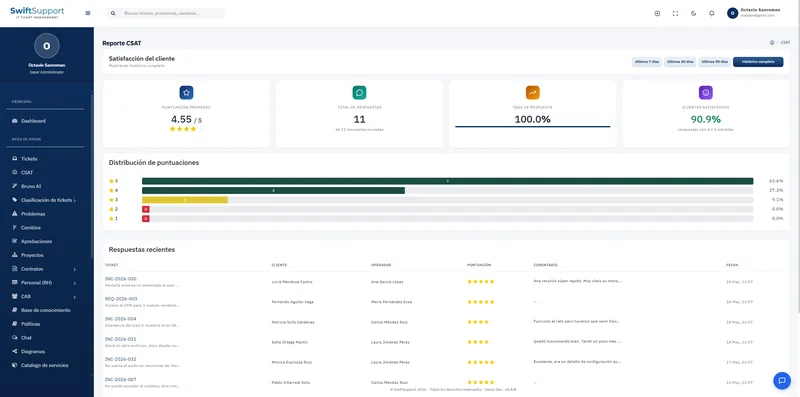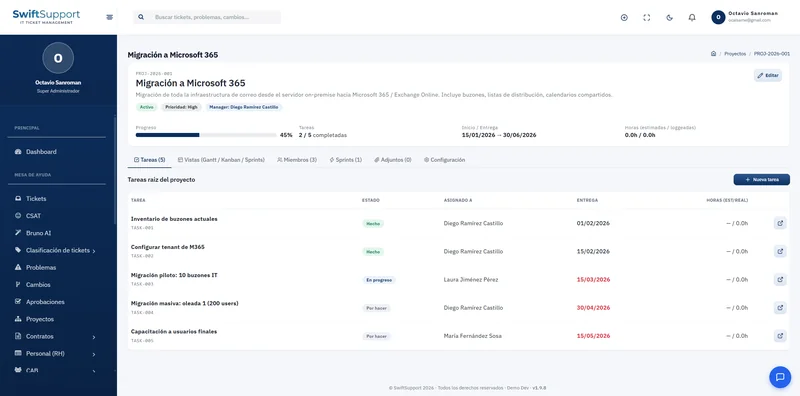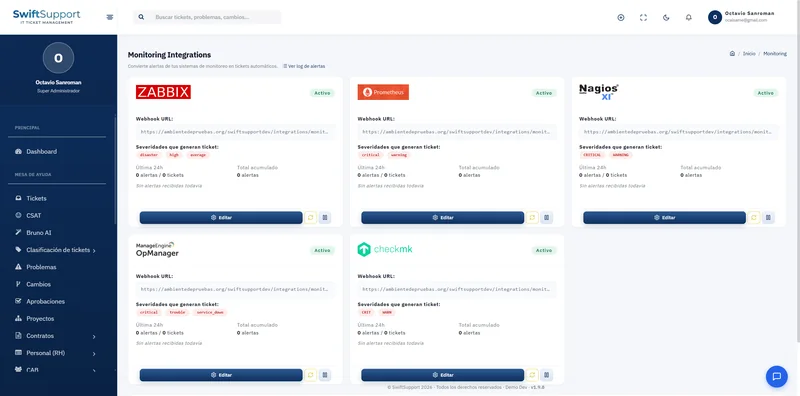

Who did what and when. The activity log records relevant actions inside Swift Support so you can answer any audit with evidence.
What it is and how it helps
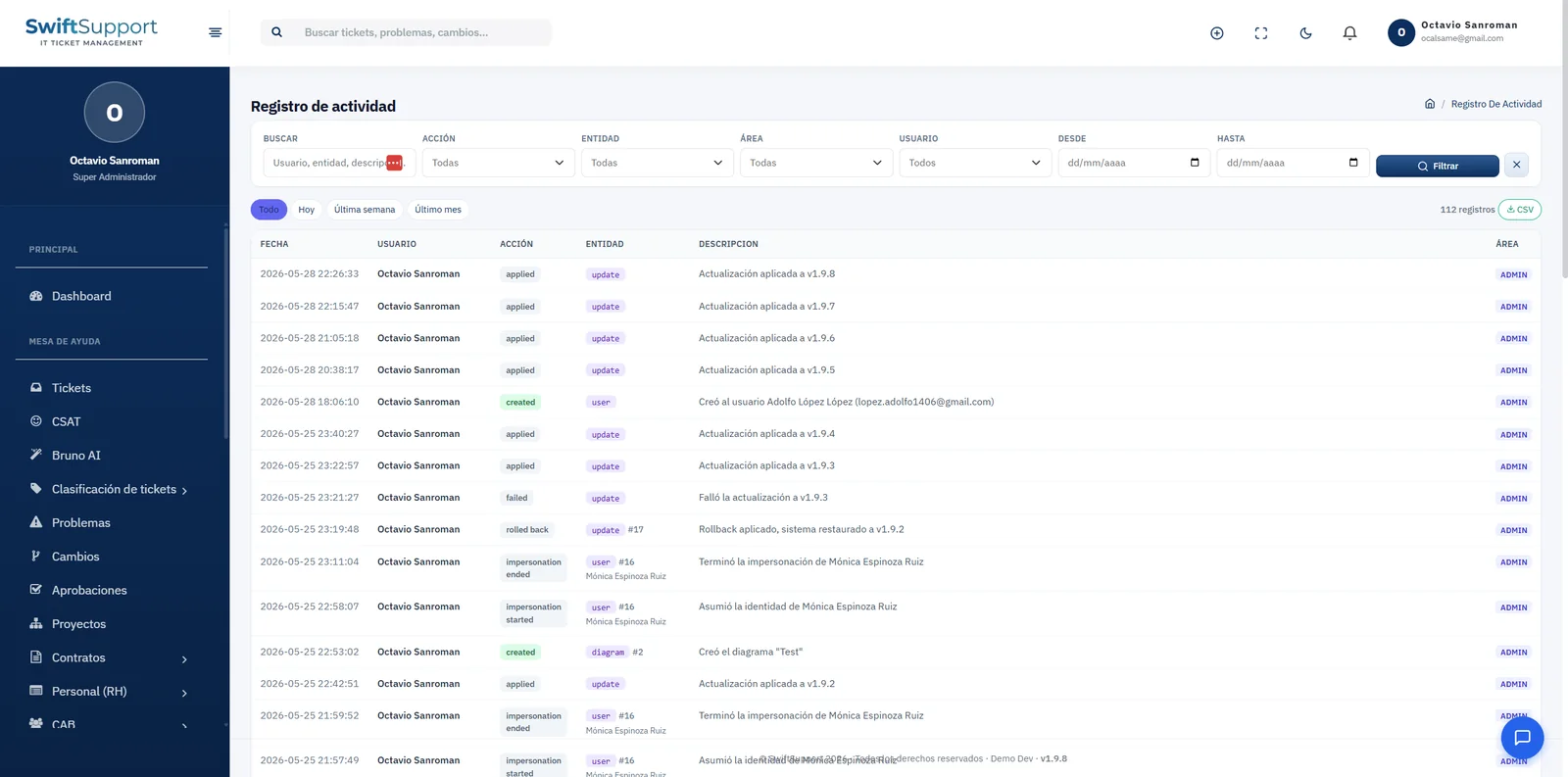
Each log entry shows date and time, user, action, affected entity, description and area. It includes, for example, the creation of users or diagrams, updates applied to the system, failed and rolled-back updates, and the start and end of sessions in which an administrator viewed the system as a customer.
Filters let you narrow down by text (user, entity or description), action, entity, area, user and date range, with shortcuts for today, last week and last month. The total number of matching records is shown on screen and the result can be exported to CSV.
Together with granular permissions, the activity log is the foundation of IT governance in Swift Support: one defines who can do what and the other records what was actually done.
Key capabilities
Detailed log
Date, user, action, entity, description and area.
Complete filters
By text, action, entity, area, user and date range.
Period shortcuts
Today, last week and last month.
CSV export
Take the evidence to your audit or your analysis tool.
Audited impersonation
The start and end of every “view as customer” session are recorded.
Audited updates
Applied, failed or rolled-back updates are documented.
How it works
-
01
The action happens
A user creates, updates or performs a relevant action.
-
02
It is recorded
The system stores who, what, when and on which entity.
-
03
It is queried
Filter by user, action, entity or dates.
-
04
It is exported
Download the evidence as CSV whenever you need it.