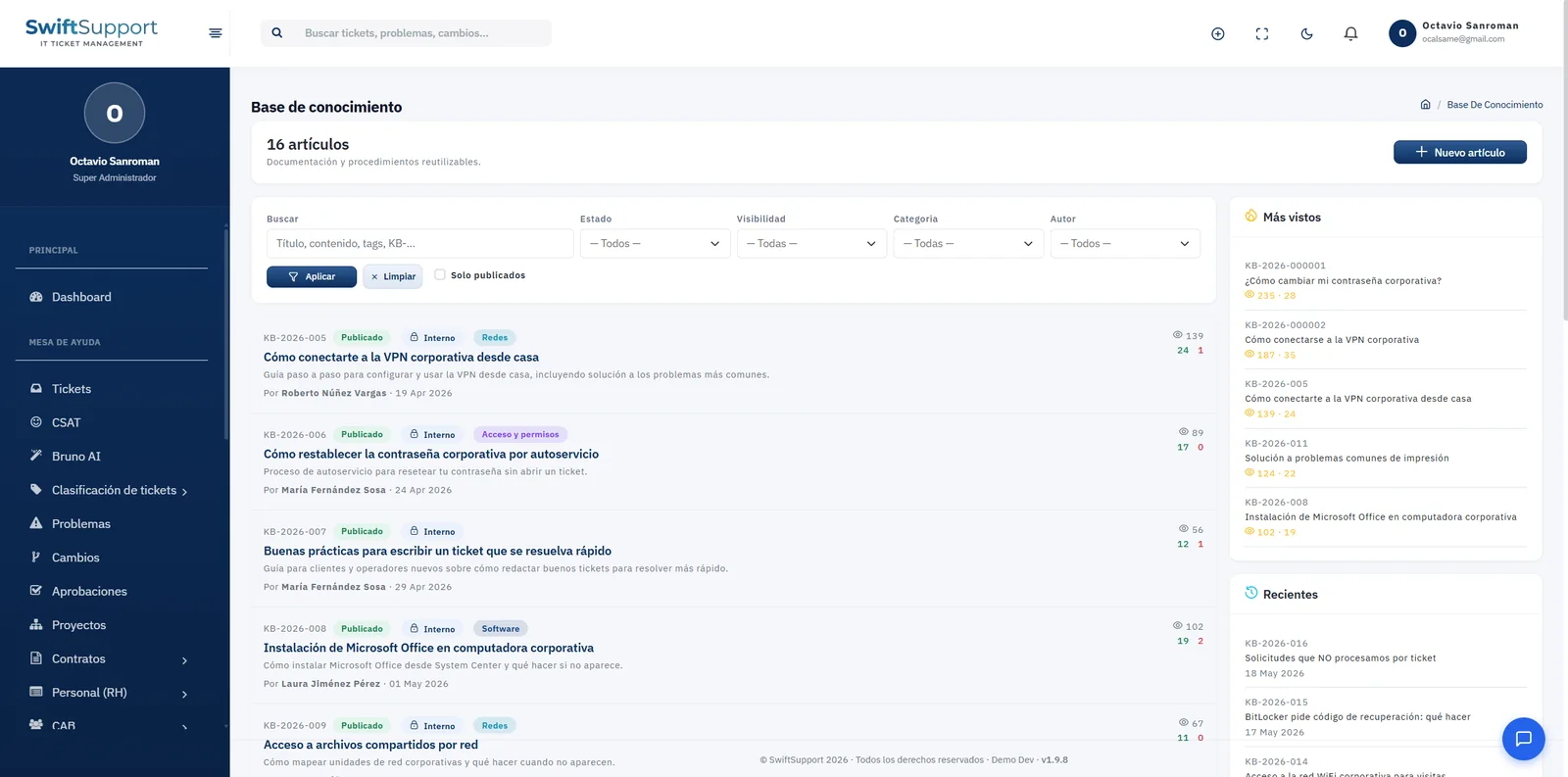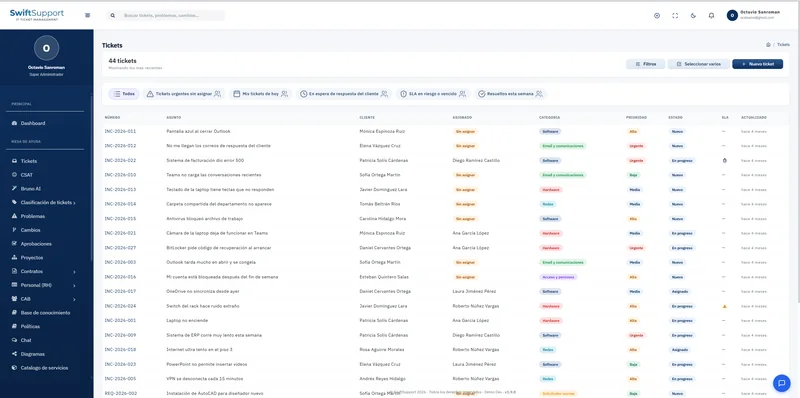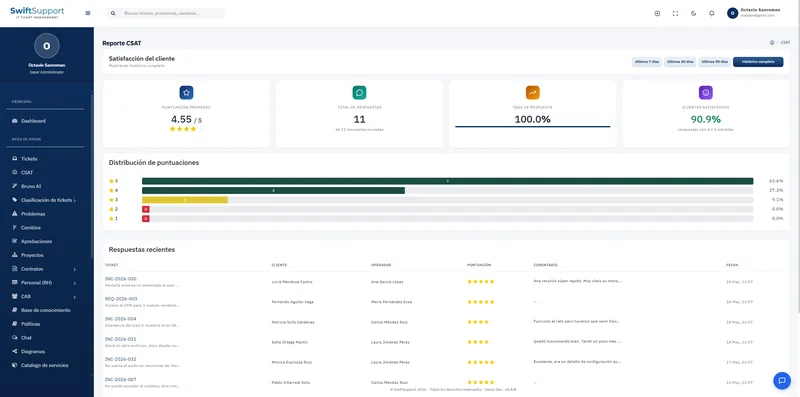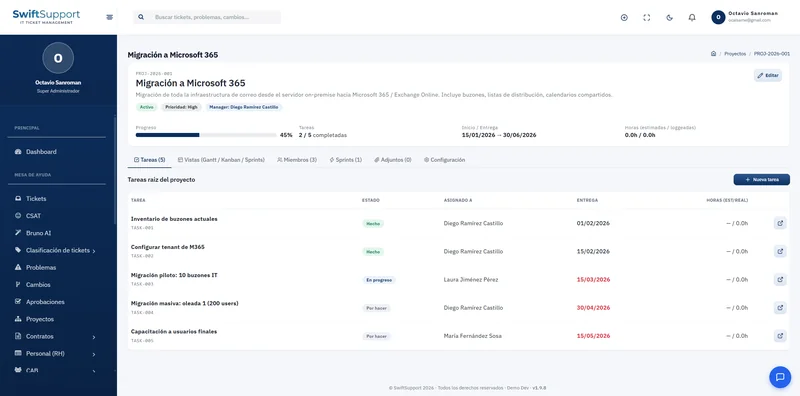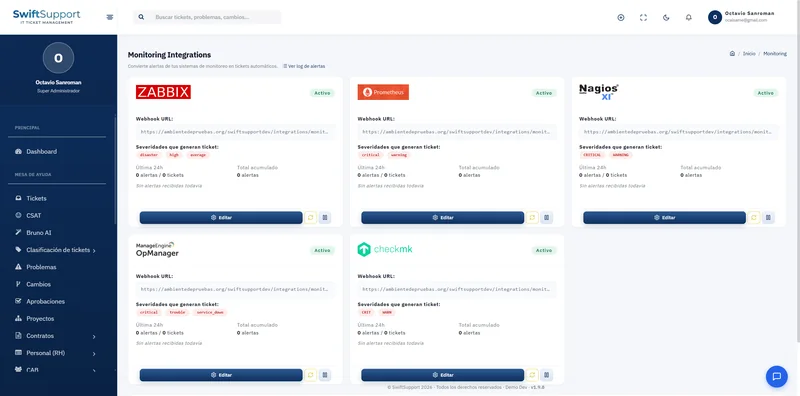

The current version of every policy, always in the same place. The Policies module organizes your department’s official documents in folders, ready to be consulted.
What it is and how it helps
Information security, acceptable use of equipment, passwords, backup, remote work, operating procedures: these are documents the team and auditors need to consult, and they often end up scattered across emails and shared folders with conflicting versions.
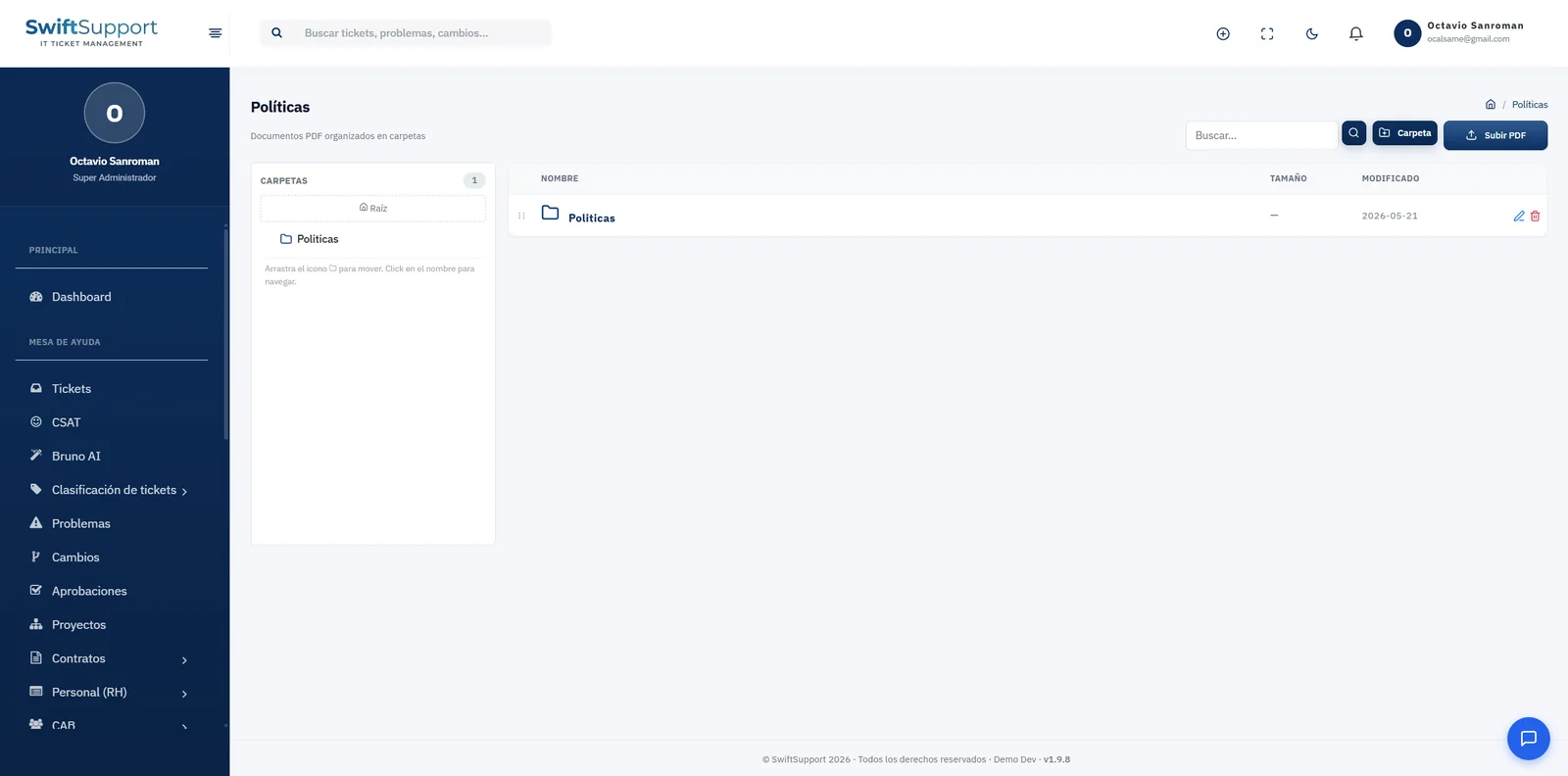
Swift Support offers a repository of PDF documents organized in folders. The left panel shows the folder structure and the main panel lists the documents with name, size and modification date. You can create folders, upload PDFs, search, rename and delete according to your permissions.
Living next to the knowledge base, policies complement practical guides: the article explains how to do something and the policy establishes why and under which rules.
They also provide the documentary backing for other processes: the equipment use policy supports the agreements signed at onboarding, the change management policy explains why the CAB and maintenance windows exist, and the information security policy justifies the permissions assigned to each role.
Key capabilities
Folder organization
Structure documents by topic, area or regulation.
PDF documents
Upload the official version of each policy or procedure.
Search
Find any document by name.
Modification date
Spot the most recent version at a glance.
Permission-based access
Control who can upload, edit or delete documents.
How it works
-
01
Create the structure
Define folders by topic or area.
-
02
Upload the documents
Upload the official PDFs to the right folder.
-
03
Consult and update
The team consults the current version; when it changes, the document is replaced.