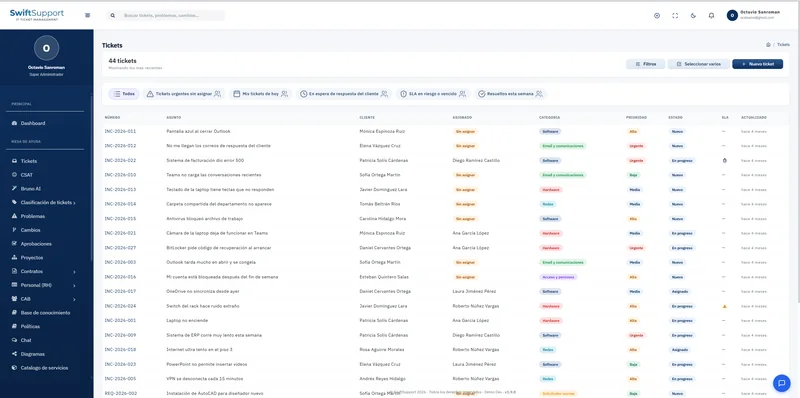
Every ticket has a requester and every requester belongs to an organization. The customers and companies module keeps that context organized so you can serve each account better.
What it is and how it helps
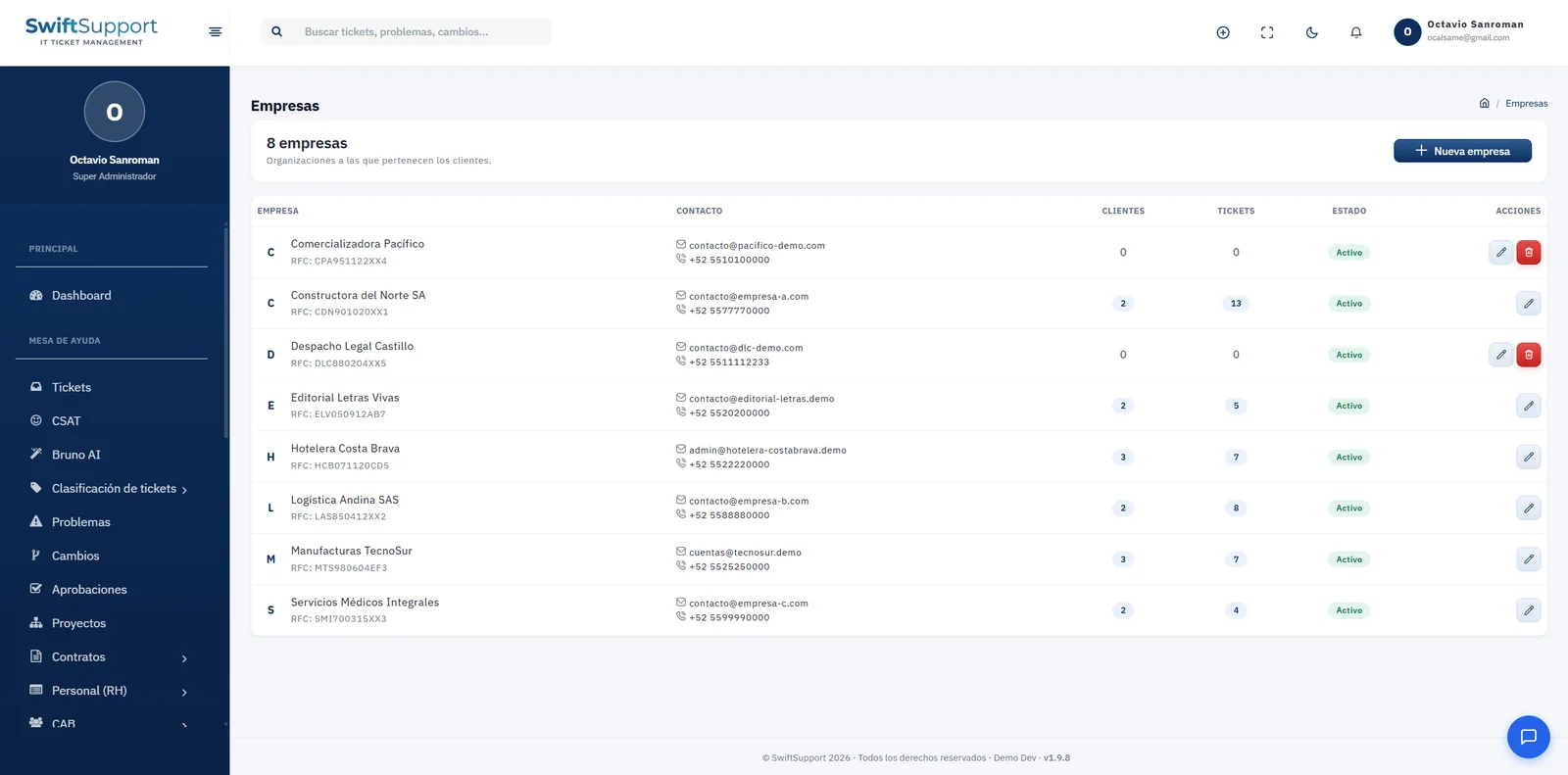
Companies group the customers who raise tickets. Each company records its name, tax ID (RFC in Mexico), contact email and phone, number of associated customers, number of tickets and status. It is the ideal view to understand which organizations generate the most demand and how work is distributed among them.
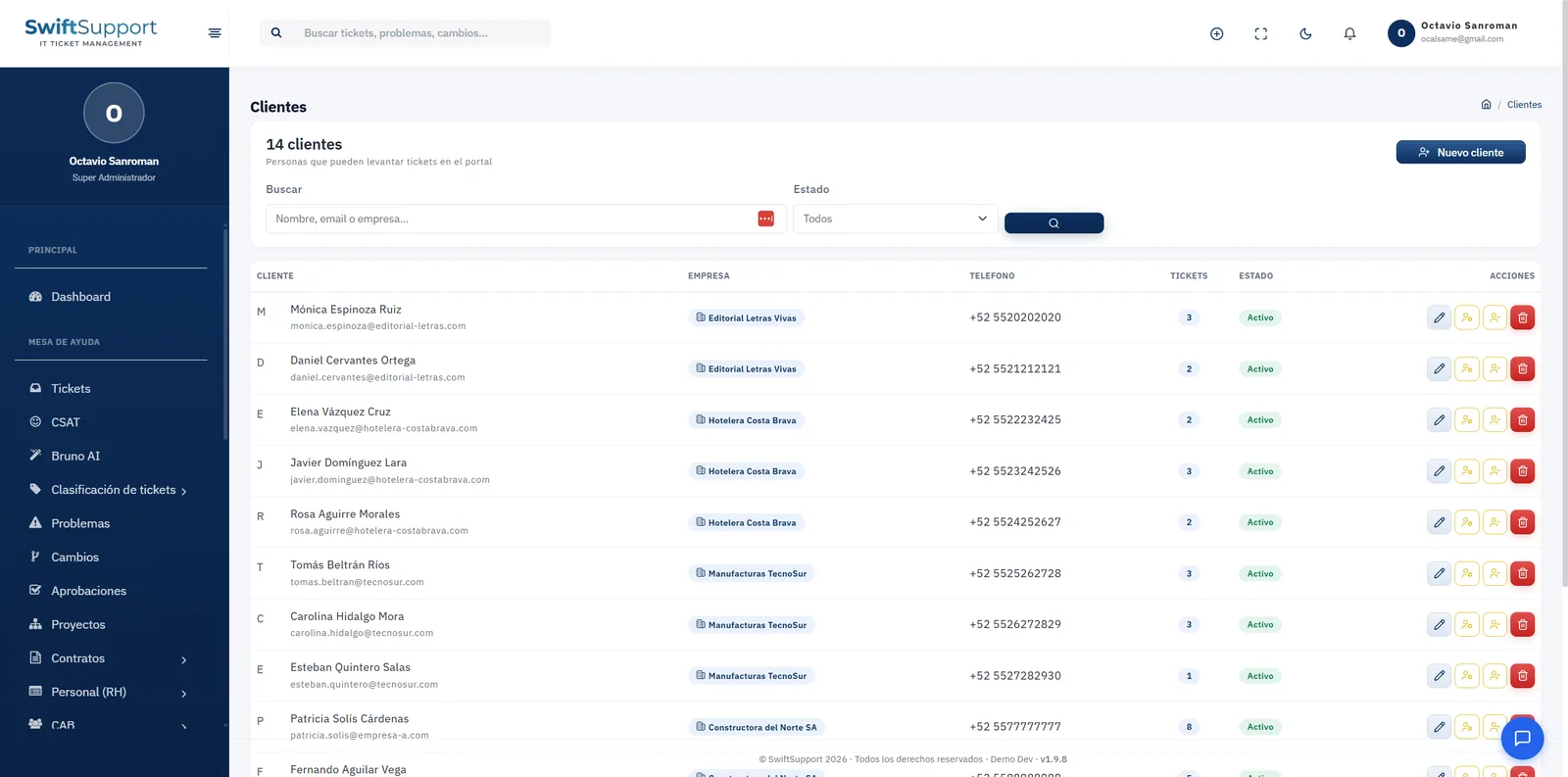
Customers are the people who can raise tickets in the portal. Each one has a name, email, company, phone, number of tickets and status, and can be searched by name, email or company. From the list you can edit them, manage their access or deactivate them.
To provide first-level support, administrators can view the system as a specific customer, exactly as they see it in the portal, and return to their own session with one click. This action is recorded in the activity log. In addition, customers flagged as VIP can automatically raise the severity of their tickets.
Key capabilities
Companies
Name, tax ID, contact, associated customers, tickets and status.
Customers
People who raise tickets, linked to their company.
Search
Find customers by name, email or company.
VIP customers
Automatic priority for the accounts that need it most.
View as customer
Review the portal exactly as a customer sees it; the action is audited.
Demand per account
Number of tickets per company and per customer.
How it works
-
01
Register companies
Enter each organization’s tax and contact details.
-
02
Add customers
Link each person to their company and enable their portal access.
-
03
Serve with context
Every ticket shows who requested it and which company they belong to.
-
04
Analyze demand
Review tickets by company and customer to plan the service.