
Tell people before they ask. Announcements communicate scheduled maintenance, migrations or new policies, and are shown automatically only while they are valid.
What it is and how it helps
When there is a maintenance window or a migration underway, the worst case is the support team finding out through tickets. With announcements, whoever plans the change publishes the notice in advance and everyone sees it on the dashboard.
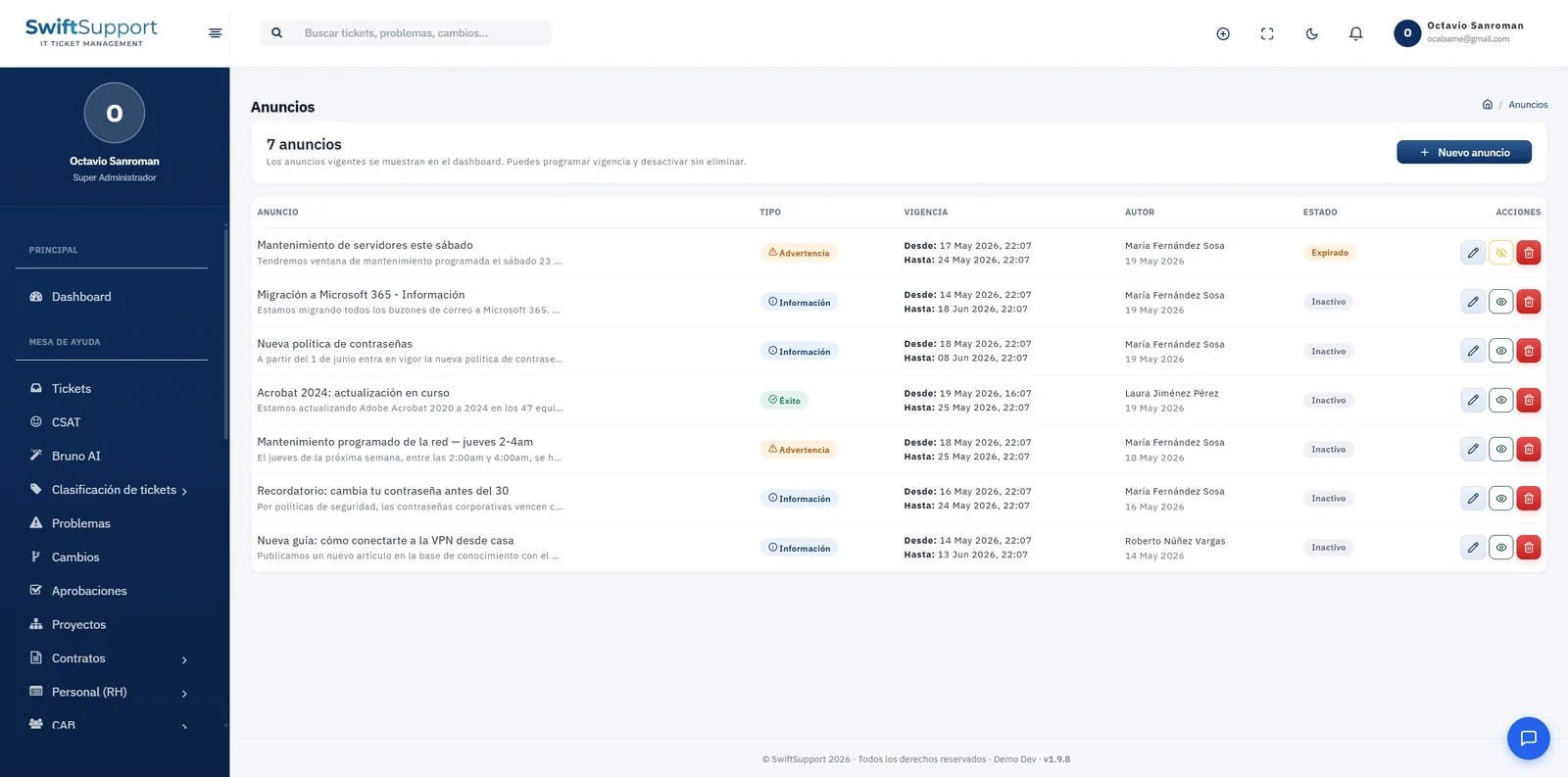
Each announcement has a title, message, type (information, warning or success), start and end dates, author and status. Announcements can be scheduled to appear and disappear on their own, and they can be deactivated or deleted at any time.
Typical examples: “Server maintenance this Saturday”, “Migration to Microsoft 365”, “New password policy”, “Reminder: change your password before the 30th” or “New guide to connect to the VPN from home”.
Announcements work especially well with change management: when a change is scheduled on the calendar, publishing the matching notice prepares the support team to give users the same information, and reduces the tickets created only to ask what is going on.
Key capabilities
Scheduled validity
Define when each announcement starts and stops being shown.
Announcement types
Information, warning or success, each with its own color.
Visible on the dashboard
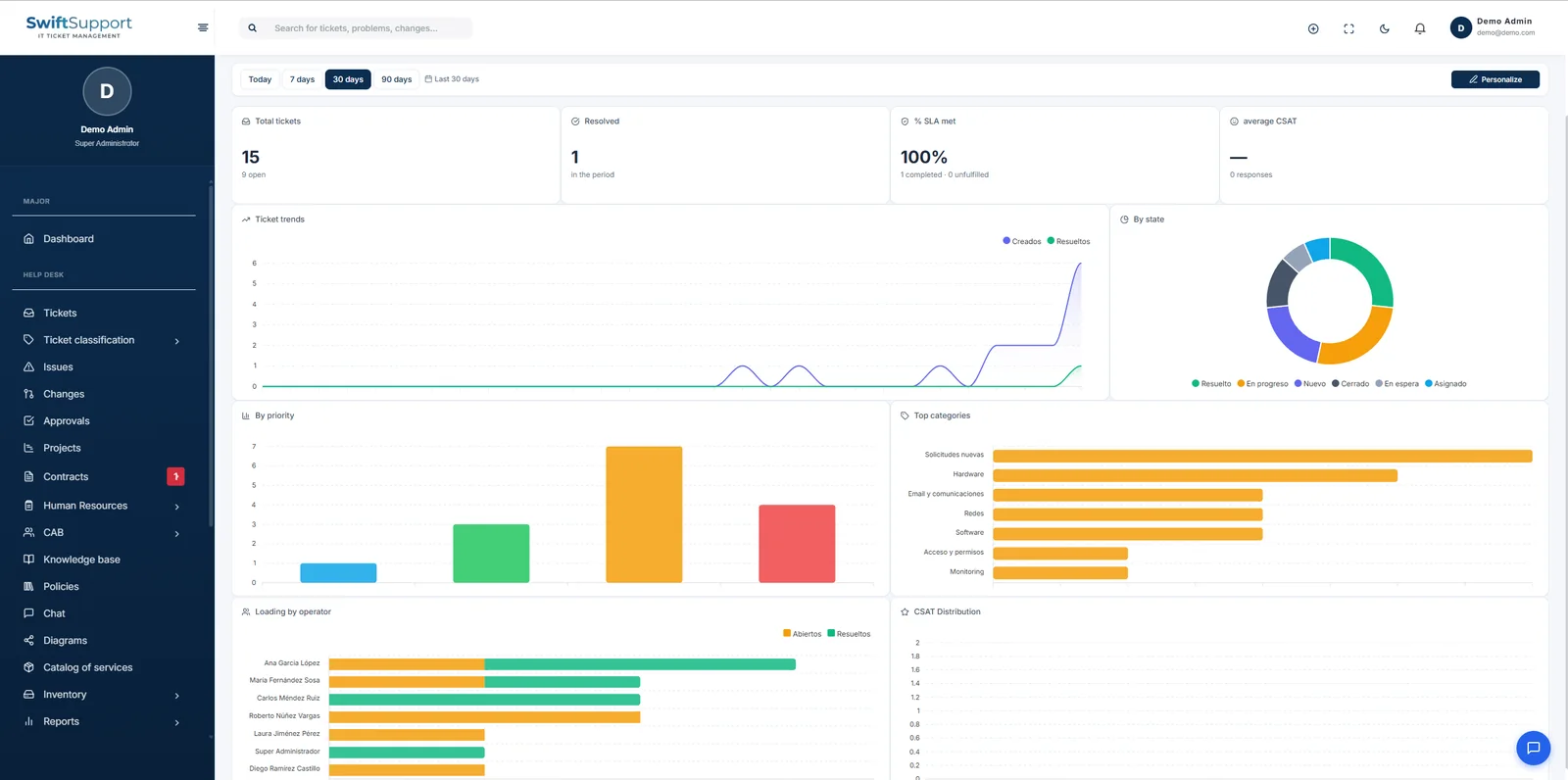
Active announcements appear where the whole team sees them.
History
Review past, expired or inactive announcements with their author and dates.
Status control
Activate, deactivate or delete announcements at any time.
How it works
-
01
Write the notice
Enter the title and message and choose the announcement type.
-
02
Schedule its validity
Set the dates when it should be shown.
-
03
It publishes itself
While valid, it appears on the dashboard; when it ends, it expires automatically.