
Planned changes, not surprises. Every modification to infrastructure, systems or configuration is recorded, assessed for risk, approved and carried out in a window everyone knows about.
What it is and how it helps
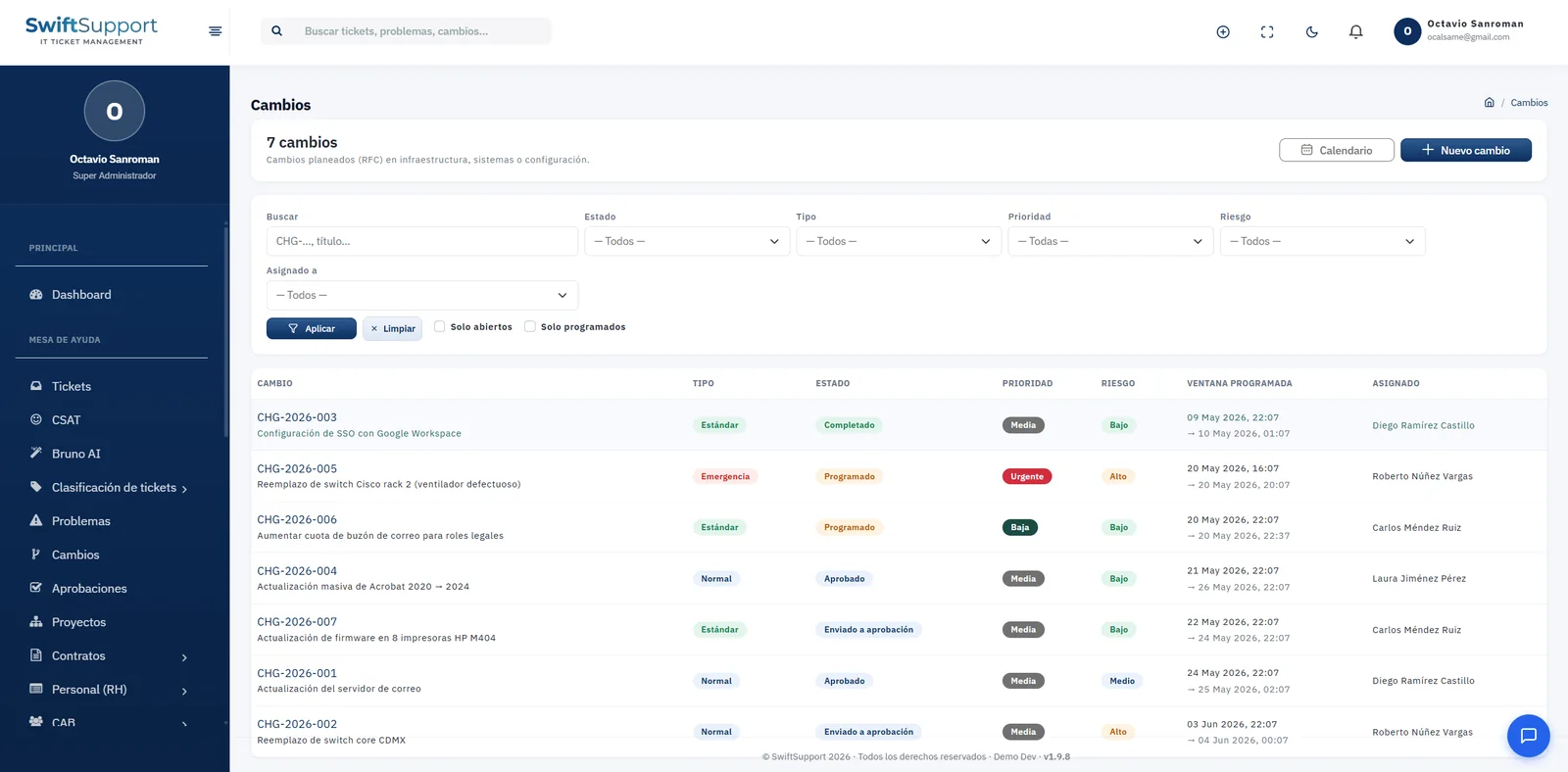
A large share of service outages comes from poorly planned changes. Swift Support manages every request for change (RFC) with its own ID —for example, CHG-2026-003—, change type, status, priority, risk level, scheduled start and end window, and owner.
Change types follow common practice: standard for low-risk changes with a known procedure, normal for changes that need assessment and approval, and emergency for those that cannot wait. The status follows the whole lifecycle: submitted for approval, approved, scheduled and completed.
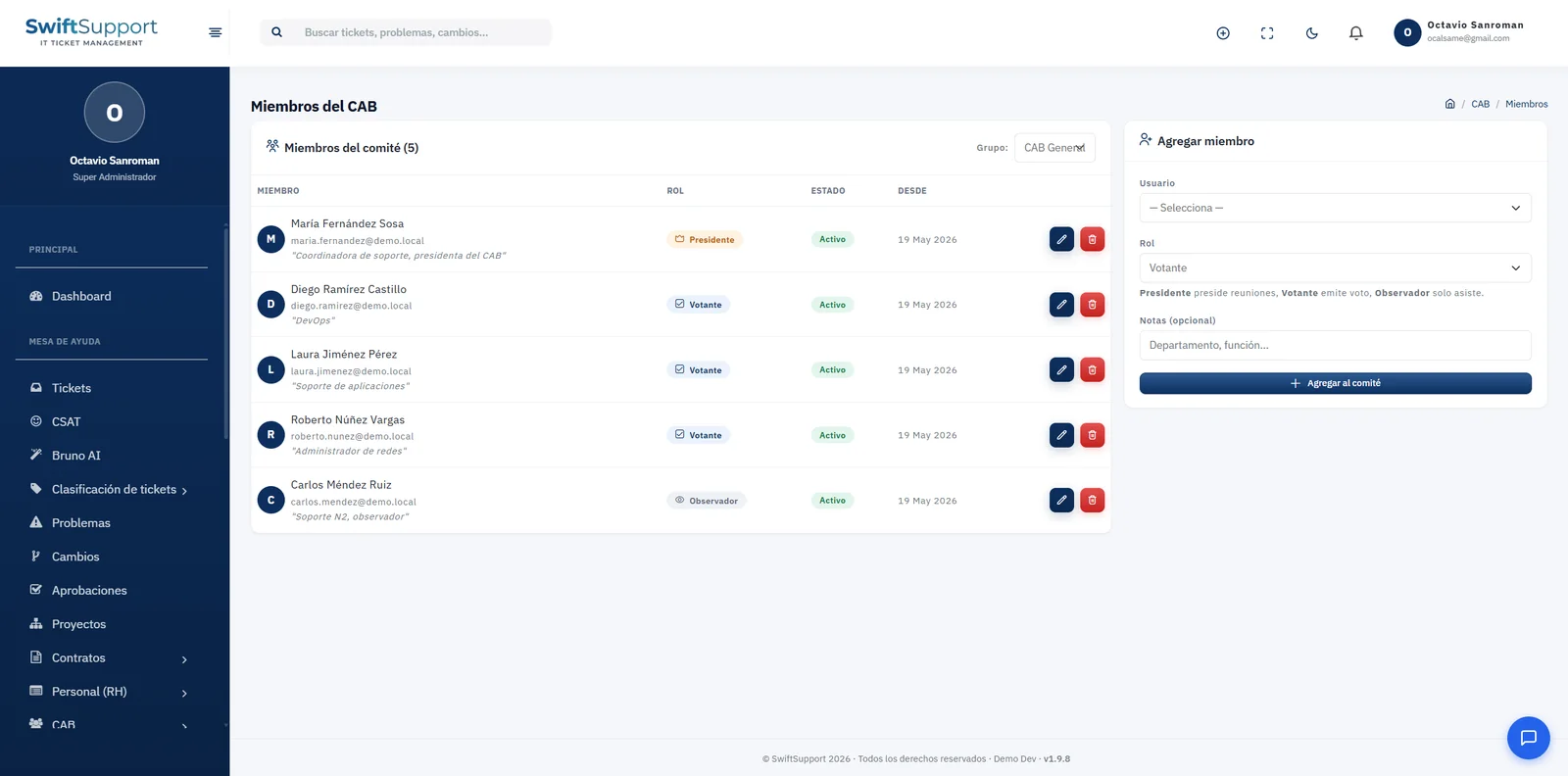
The change calendar shows scheduled windows to avoid clashes between teams and communicate ahead of time. Change templates let you document recurring changes faster, and normal changes go through the Change Advisory Board (CAB) for assessment and decision.
Key capabilities
Standard, normal and emergency
Classify each change by its nature and apply the matching treatment.
Risk level
Assess risk (low, medium, high) to decide the level of review needed.
Change calendar
See every scheduled window and avoid clashes between teams.
Scheduled window
Start and end date and time known to operations, the business and users.
Change templates
Reuse the documentation of recurring changes and apply it with one button.
CAB assessment
Changes that require it are presented to the board for a decision.
Operational filters
Search by status, type, priority, risk or owner; see only open or scheduled changes.
How it works
-
01
Request
The change is recorded with description, type, priority, risk and proposed window, or starts from a template.
-
02
Assessment and approval
Normal changes are submitted for approval and reviewed by the CAB; standard changes follow their pre-approved procedure.
-
03
Scheduling
Once approved, the change is scheduled on the calendar and communicated to stakeholders.
-
04
Implementation and closure
It is carried out in the agreed window and marked as completed with its outcome.