
What your team has already solved should not be solved twice. The knowledge base stores solutions and procedures so agents and users find answers in seconds.
What it is and how it helps
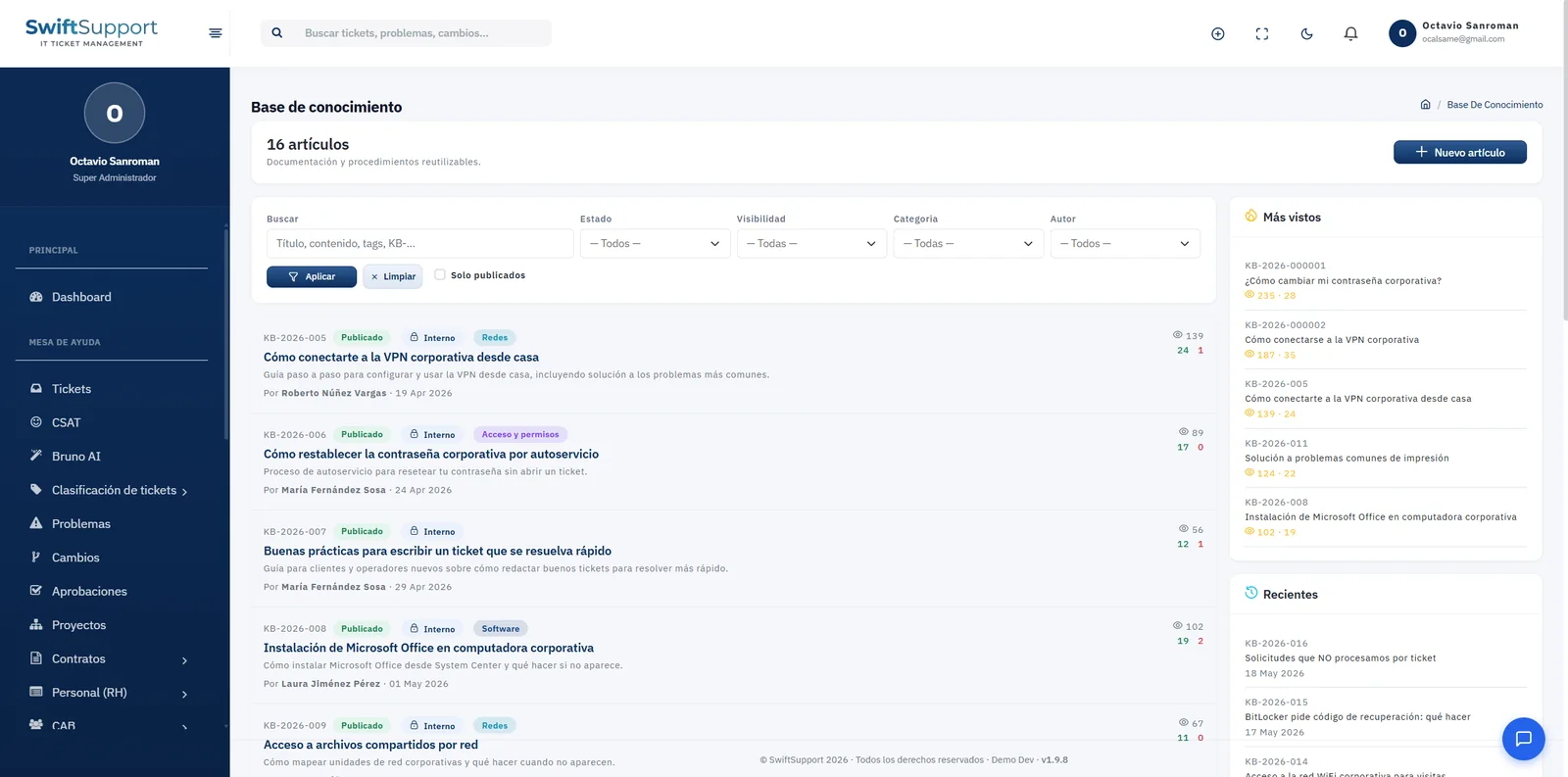
Each article has an ID (for example, KB-2026-001), title, summary, content, category, author and publishing status. Visibility defines who can see it: internal articles are for the support team —technical procedures, solutions to known incidents— and public articles appear in the portal so users can help themselves.
The main view lets you search by title, content or tags and filter by status, visibility, category and author. The most viewed and most recent articles are shown on the side, so the team can see which content is most useful and what needs updating.
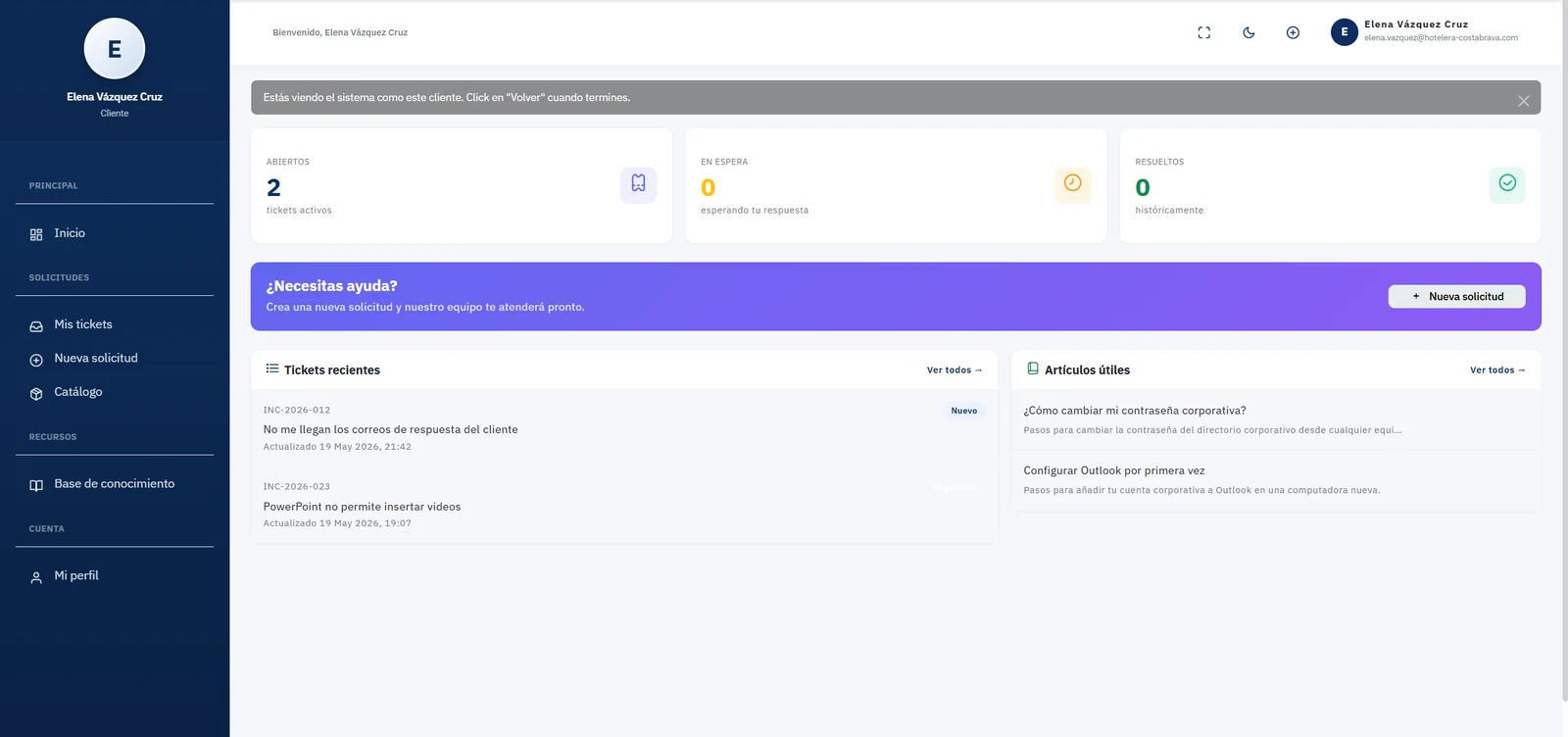
Every article accumulates views and helpfulness votes. That feedback shows which articles work and which need improvement. In the portal, public articles appear as “Helpful articles” and as suggestions before submitting a new request.
Key capabilities
Internal or public visibility
Technical procedures for the team only and self-service guides for users.
Categories
Organize articles by topic (network, access, software, hardware…) for easy browsing.
Search and filters
Search by title, content or tags and filter by status, visibility, category and author.
Most viewed and recent
Spot the highest-impact content and the latest additions.
Views and votes
Measure each article’s usefulness with feedback from the people who read it.
Publishing workflow
Work on articles as drafts and publish them once reviewed.
Portal integration
Public articles are suggested to users before they open a ticket.
How it works
-
01
Solve and document
When an agent solves a repeatable case, they turn it into an article with clear steps.
-
02
Set the visibility
Internal for team procedures; public for guides users can follow.
-
03
Publish and share
The article becomes available in the knowledge base and, if public, in the self-service portal.
-
04
Improve with data
Views and votes show which articles to update or expand.