
Some requests need someone’s sign-off before they go ahead. The approvals module gathers those decisions in a single inbox and keeps a record of each one.
What it is and how it helps
Access to a critical system, an equipment purchase or a significant infrastructure change should not move forward without authorization. Swift Support sends these requests to the person responsible for approving them and brings them together in the approvals inbox.
The approver sees the list of pending requests, reviews the context and decides whether to approve or reject. The decision is recorded with date and author, and the request continues its flow: if approved, it moves on; if rejected, it stops and the requester knows.
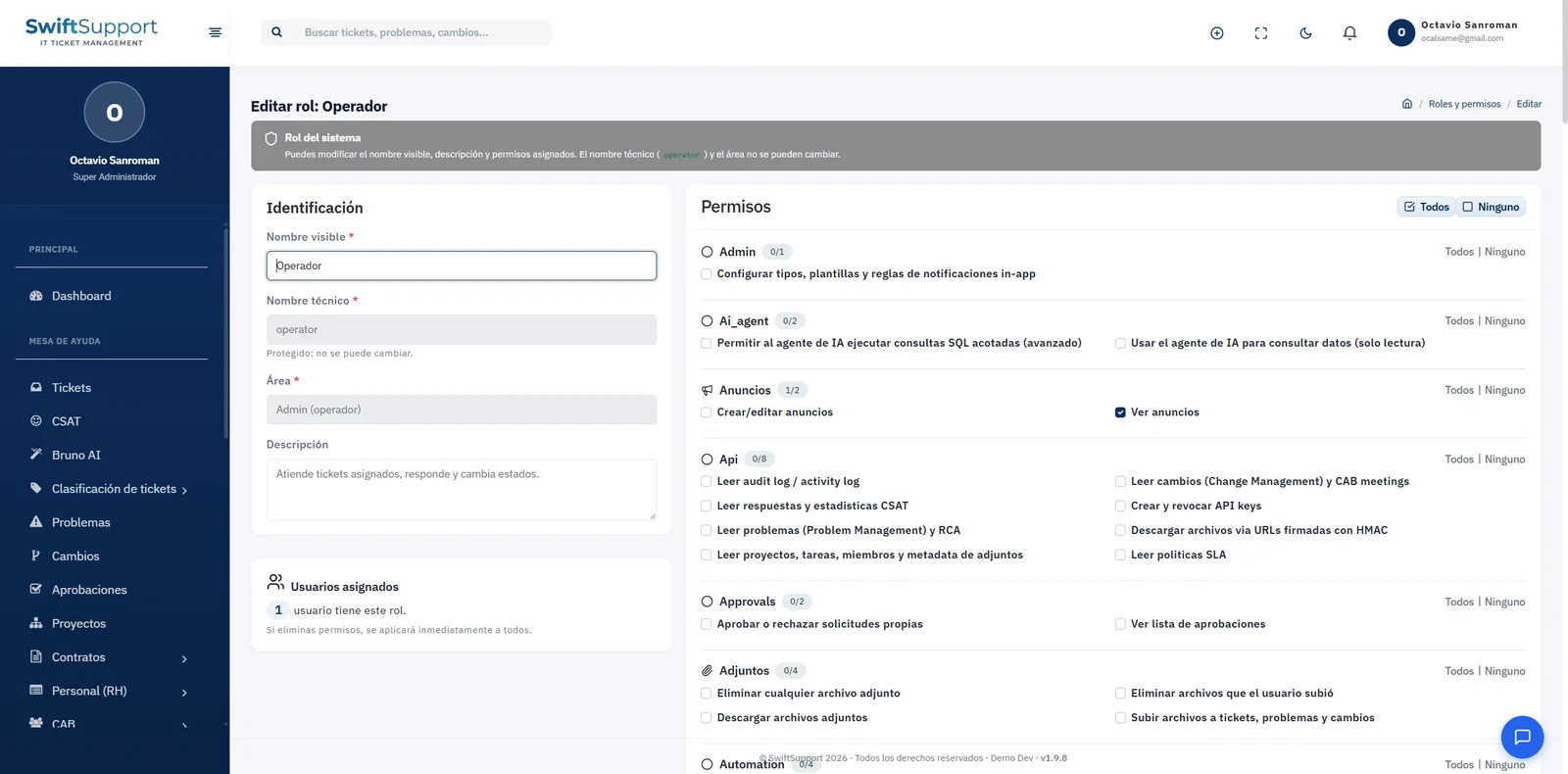
Approval permissions are specific: you can define who can see the approvals list and who can approve or reject, so each approver only acts on what concerns them.
The result is a fast, verifiable process: requesters know which stage their request is at, approvers do not have to dig through old emails and the organization keeps evidence of every authorization for internal or external audits.
Key capabilities
Approvals inbox
Every request awaiting a decision in one place.
Approve or reject
Quick decisions with the request’s context in view.
Traceability
Every decision is recorded with author and date.
Specific permissions
Control who sees the list and who can decide.
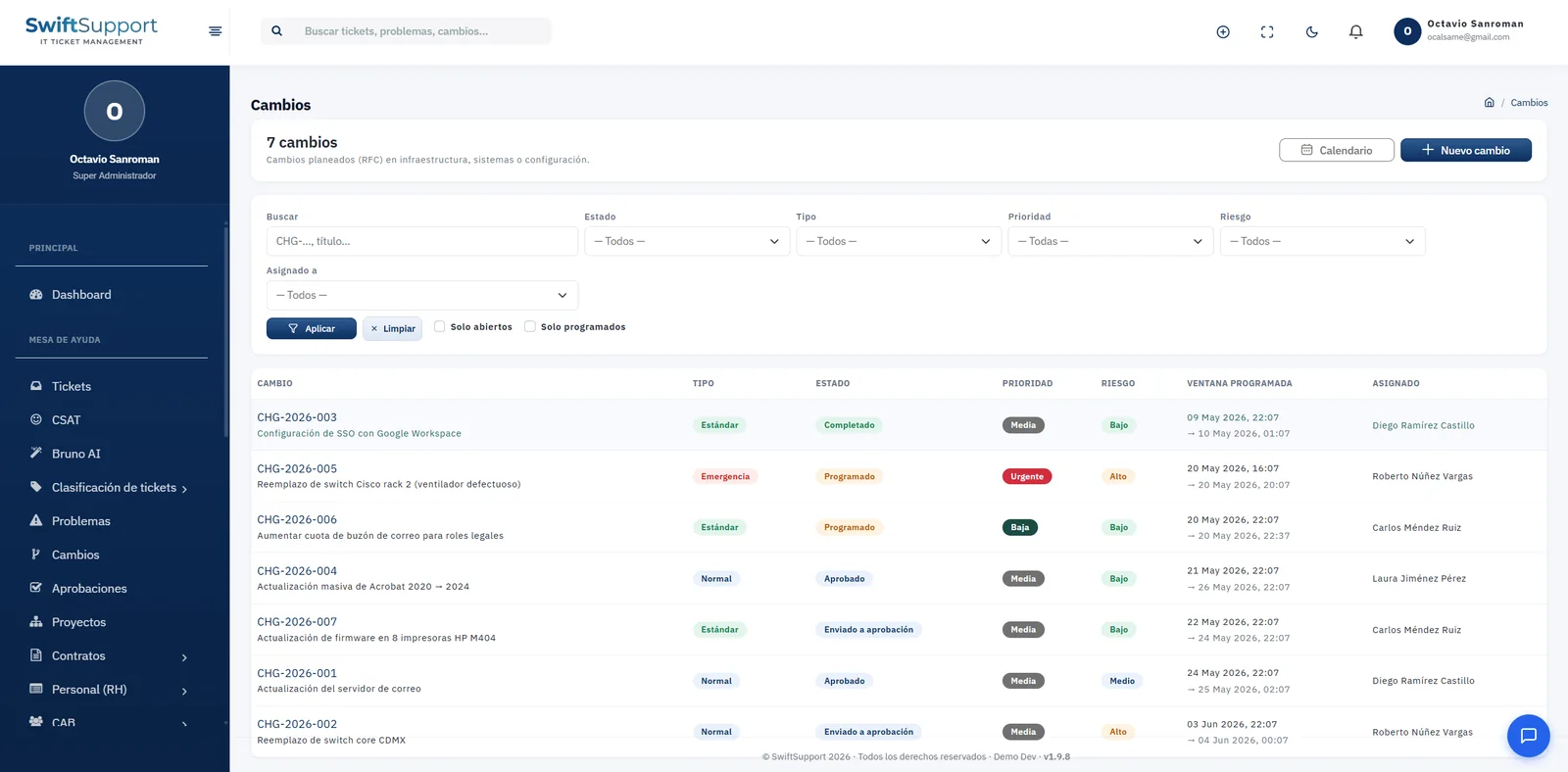
Integrated with changes
Changes that require authorization are submitted for approval.
How it works
-
01
The request is created
A change or request that needs authorization is submitted for approval.
-
02
The approver reviews
The request appears in their inbox with all the information.
-
03
Decide
Approve or reject; the decision is recorded.
-
04
The flow continues
The request moves on or goes back depending on the decision.